
Filmoyo guide
Filmoyo Character Consistency: Casting, Talking Scenes & Shot Direction
Filmoyo character consistency is the seller’s claim that characters can remain recognizable across shots. The seller also describes a casting library, shot-level controls, lip-synced dialogue and narration options. These are product claims, not a guarantee that every generated scene will match perfectly or be free of artifacts. This guide focuses on those creative controls and their documented limitations. For the broader product overview, see the Filmoyo review.
Published November 5, 2026 · Updated November 8, 2026
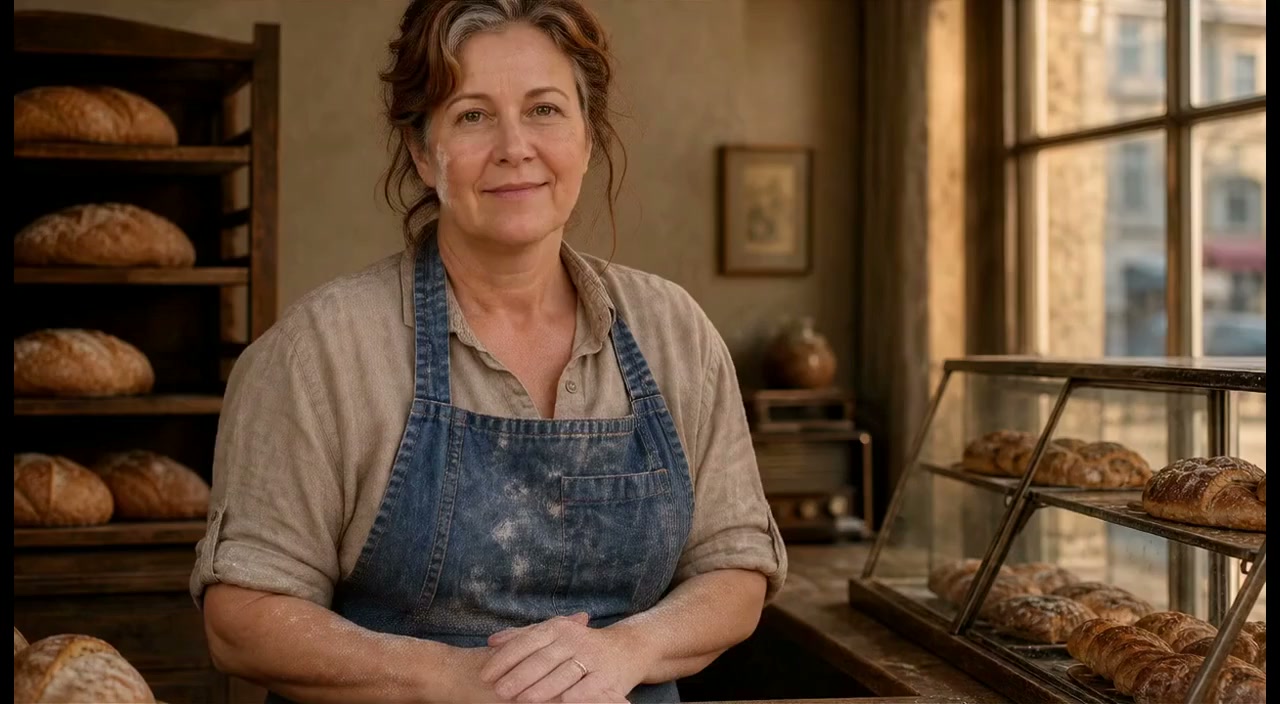
What Filmoyo means by character consistency
The seller says Filmoyo can maintain character consistency across shots. In practice, continuity means the intended character remains recognizable as the film moves between scenes: appearance, role, clothing, and other visual details should make sense from one shot to the next. This matters particularly for a spokesperson film or a story in which the same character appears repeatedly.
The seller’s description does not quantify consistency, define how it is achieved, or guarantee that generated details will remain identical. A character may still vary between shots, and AI output may include errors or artifacts. Treat consistency as a feature the product aims to support, then inspect the actual stills and animated output before using them. The seller’s Filmoyo Director overview describes the casting and shot workflow.
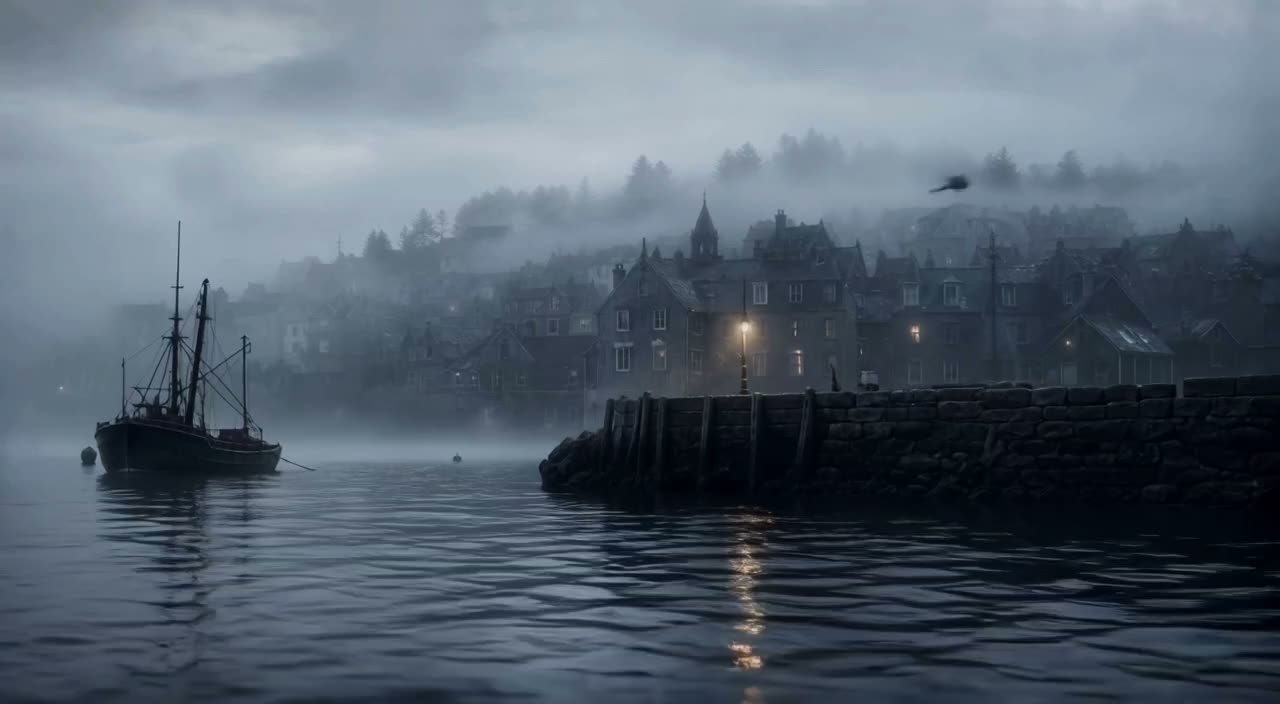
Filmoyo casting library and custom-character unknowns
The seller says Filmoyo includes a casting library with more than 9,500 character images and 1,230 avatars. Those are seller-reported counts; the supplied material does not independently verify the library or explain the full range of styles, licenses, or selection controls. Users are described as casting characters for a film, which suggests choosing who appears in the scenes from available options.
The supplied information does not clearly explain whether users can create an entirely new character from scratch, import a custom character, or control every detail of an existing one. If a particular look or an exact brand character is essential, confirm that the current interface supports it before planning a project around it. Similarly, a large library count does not establish that it contains a suitable character for every brief.
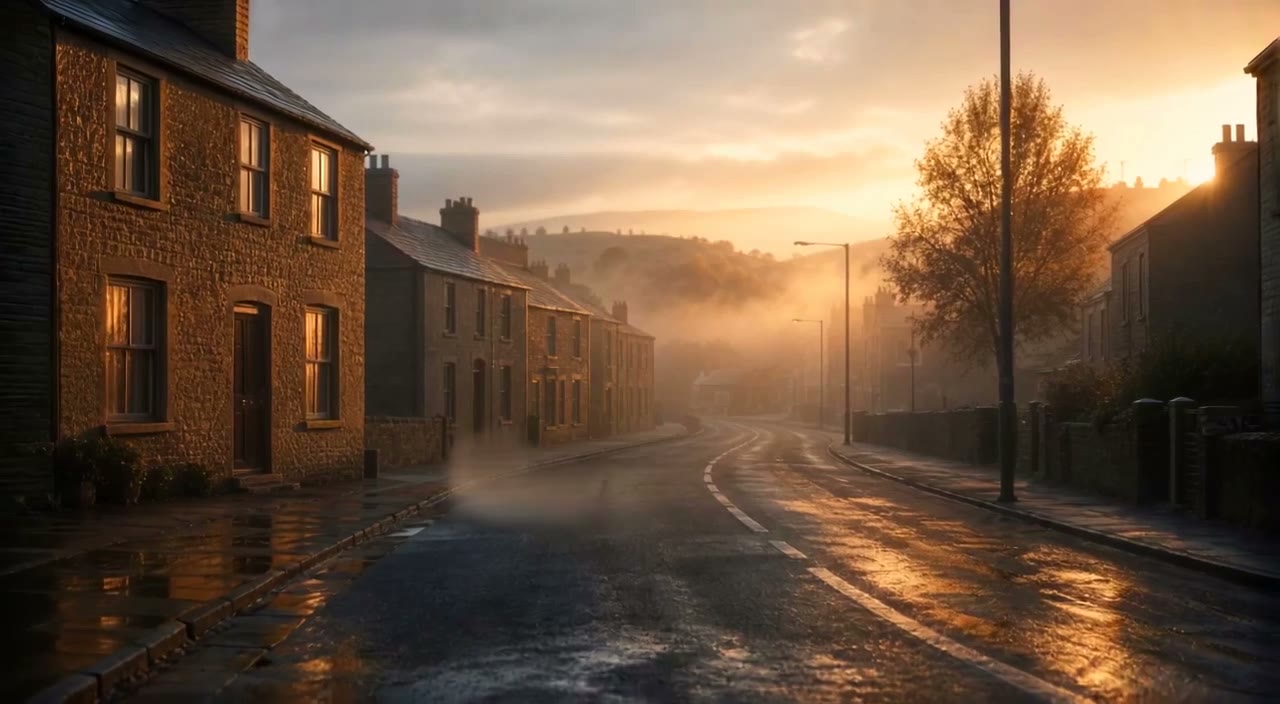
Reusing a cast across films and Series Studio episodes
The seller describes maintaining character consistency across shots, but the available details do not establish that a saved cast can be reused across any number of separate, standalone films. That distinction matters if you are planning a recurring campaign or a series rather than one continuous project.
Filmoyo’s optional Series Studio is described as carrying characters and locations forward across episodes. That is the specific continuity claim supplied for episodic work; it should not be generalized to all projects or treated as a guarantee of identical results. Check whether Series Studio is included in the offer you are considering and review its current terms. The Filmoyo pricing guide separates the listed offers and upgrades. For the broader production sequence from brief to export, see How Filmoyo works.
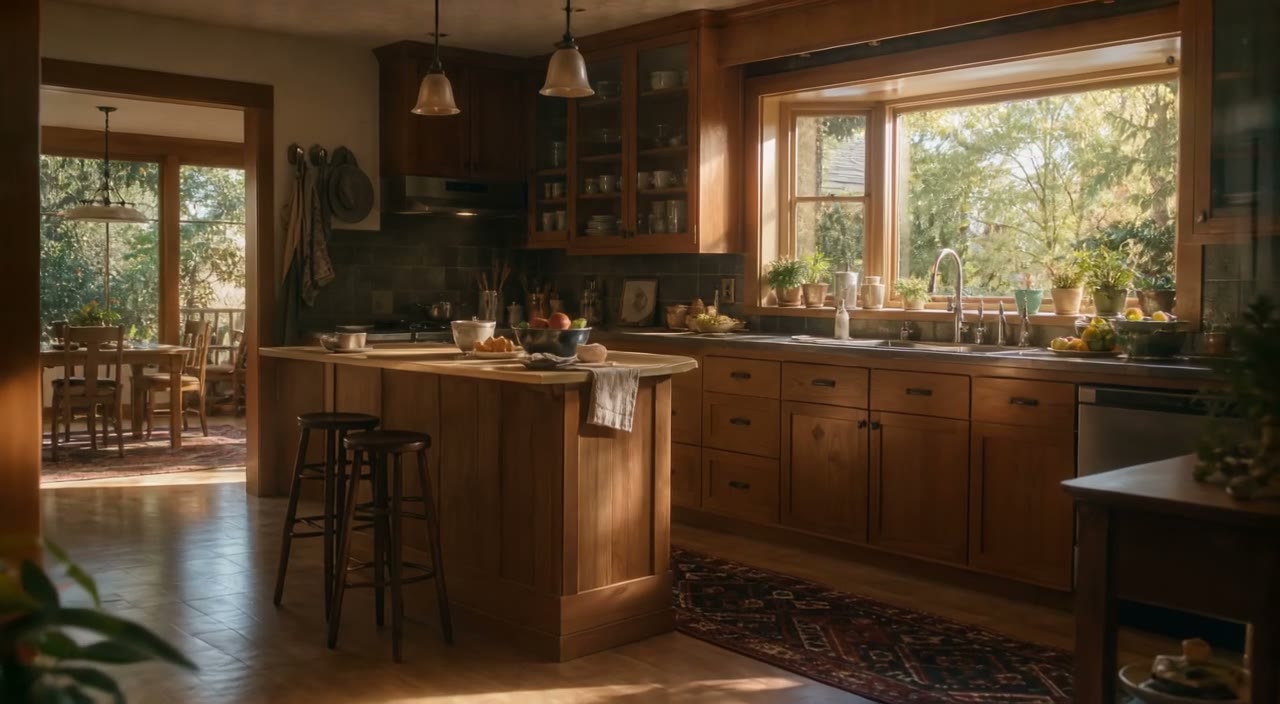
Shot direction: angle, shot type and lighting
The seller says users can direct shots by angle, shot type, and lighting. These controls let the filmmaker shape how a scene is presented rather than relying only on a general description. An angle affects the viewer’s perspective; shot type influences how much of the subject or setting is visible; and lighting helps establish the intended visual mood.
A practical approach is to review these choices against the purpose of each scene. A close composition might keep attention on a speaker, while a wider composition may show more of a setting—but the useful choice depends on the brief. The product information does not enumerate every available angle, shot type, or lighting option, nor does it specify how much manual adjustment each allows. Review the generated still frame before animation to catch an unsuitable composition while it is still a still image.
Talking scenes: written dialogue and lip-sync limitations
The seller describes on-screen speech that is lip-synced to a written line. That means the workflow is presented as connecting a supplied line of dialogue with a character speaking on screen. It may suit a presenter-style scene, but the description alone does not establish how accurately mouth movement will match every line, voice, or shot.
Before using a talking scene, check that the words are correct, the intended character appears to be speaking, and the result is appropriate for the project. The supplied information does not specify all supported languages, voice options, clip lengths, or editing controls for dialogue. If using voice cloning, the seller’s terms require the speaker’s permission. The terms also prohibit using another real person’s likeness, voice, or identity without express, verifiable consent. Read the seller’s terms and confirm rights before using real-person material.
Narration and vertical 9:16 or widescreen 16:9 framing
The seller also describes narration options. Narration can be considered separately from an on-screen character speaking: it may carry explanatory information while the visual sequence shows a product, setting, or other scene. The product details supplied here do not specify the available narrator voices, voice customization, supported languages, or precise audio-editing features, so verify those requirements if they are central to your project.
For framing, Filmoyo is described as supporting vertical 9:16 and widescreen 16:9. Choose the intended format with composition in mind. A character, captions, and other key visual elements should remain visible in the selected frame; an arrangement that works in one aspect ratio may not work as well in the other. The supplied material does not identify every export resolution or platform preset.
Character continuity checklist for frames and finished scenes
The seller’s workflow includes reviewing still frames before animation. Use that checkpoint to check whether the cast, setting, shot direction, and composition fit the storyboard. If the frame is visibly wrong, address it before moving on where the available tools permit. Once animated, review the scene again: motion can reveal problems that were not apparent in a still.
A practical review checklist is:
- Does the character look like the intended cast member and remain recognizable across shots?
- Do angle, shot type, lighting, and framing support the scene’s purpose?
- Is written dialogue correct, and does the speaking scene appear synchronized?
- Are narration and visual elements clear and appropriate together?
- Does the exported film contain artifacts, continuity breaks, or unintended material?
These checks do not guarantee a flawless result. The seller’s terms place responsibility for reviewing AI outputs and their use on the user.
Limits, rights, and the editorial verdict
Filmoyo’s described character and shot features provide creative controls, but the evidence supplied does not establish that every character can be recreated exactly, that a cast can be reused across all projects, or that dialogue will always lip-sync cleanly. The seller’s AI application uses its own and third-party providers’ models; connected services may require your own accounts or API keys and are subject to those providers’ terms. Review the final work for quality, consent, privacy, and intellectual-property concerns before delivery or publication.
The publication’s qualitative verdict is Tried & liked. It is a publisher-reported label, not a measured performance claim; it does not establish test duration, coverage of every feature or plan, or that generated scenes will be consistent or artifact-free. To compare this feature set with the rest of the product and its limitations, return to the Filmoyo review.
More Filmoyo sample frames
Additional supplied film examples, not customer testimonials.
Frequently asked questions
Does Filmoyo guarantee that a character looks identical in every shot?
No such guarantee is established by the supplied information. The seller says Filmoyo supports character consistency across shots, but users should inspect still frames and finished scenes for visual differences or artifacts.
Can I create a completely custom character in Filmoyo?
The seller describes casting from a library of character images and avatars, but the supplied details do not clearly establish whether users can create a new character from scratch or import a custom one.
Can I save a cast and reuse it across different films?
The supplied information describes character consistency across shots, but does not establish general saved-cast reuse across separate films. Series Studio is specifically described as carrying characters and locations forward across episodes.
What shot controls does Filmoyo describe?
The seller says users can direct shots by angle, shot type, and lighting. The supplied material does not list every available setting or specify the full range of manual controls.
Does Filmoyo lip-sync written dialogue?
The seller describes on-screen speech lip-synced to a written line. That description does not establish that every generated scene will synchronize perfectly, so review the output.
Can Filmoyo make vertical and widescreen films?
The seller says users can choose vertical 9:16 or widescreen 16:9. The supplied material does not specify every export resolution or platform preset.