
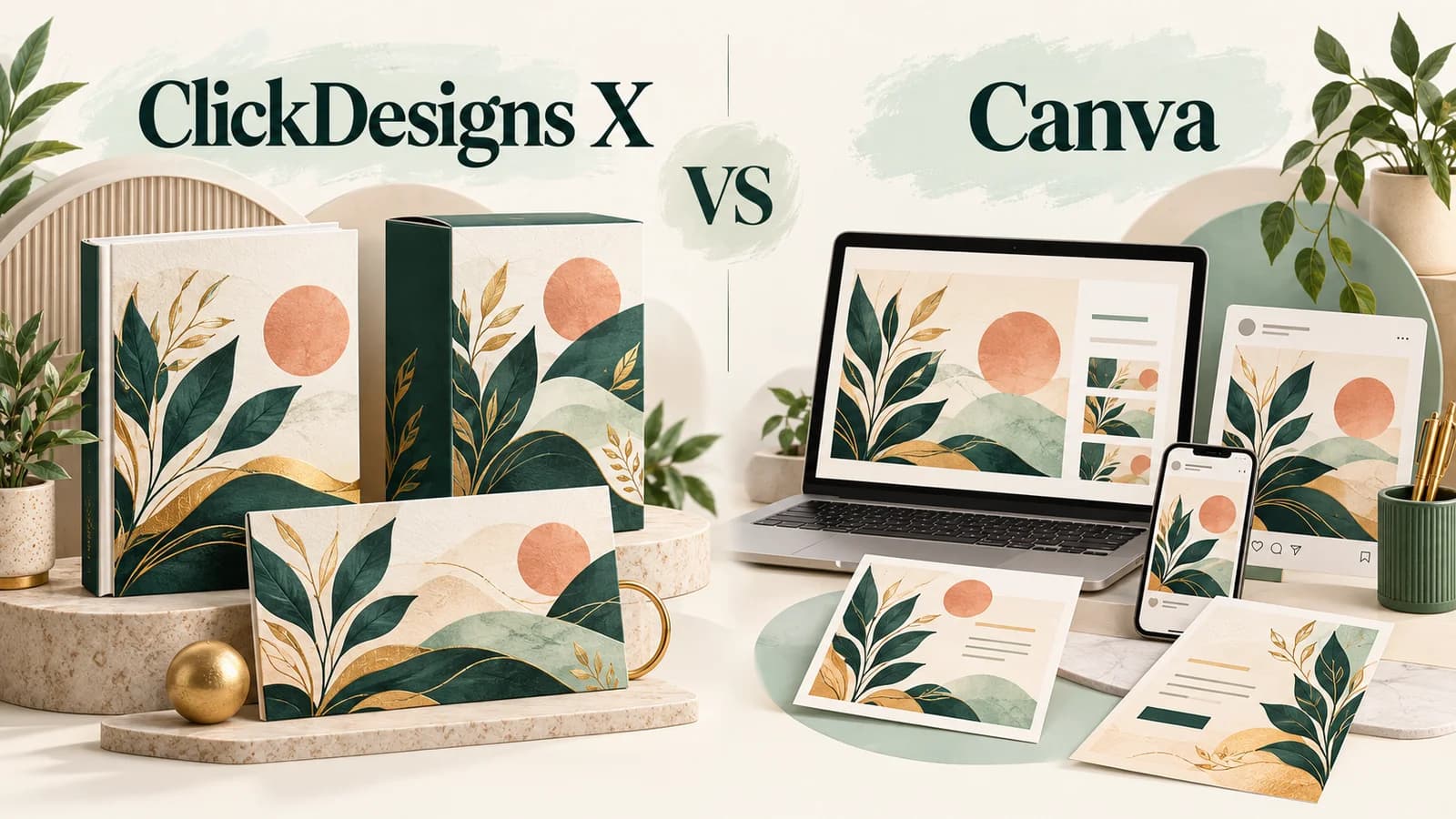
ClickDesigns X vs Canva is not just a question of which editor has more features. It is a question of which one makes the work you actually do feel easier. We tried both tools, and ClickDesigns stood out to us as straightforward and practical. That is why it is our preferred option for this comparison. Canva still deserves consideration, particularly if you want a free starting point or create many different kinds of everyday content. Below, we separate our experience from documented features and offer terms so you can make your own decision.
Editorial note: Updated October 7, 2026. Our preference reflects our qualitative experience, not a timed benchmark or a claim that every feature, plan or upgrade was tested. The exact account plans and builds were not recorded for this comparison. ClickDesigns X's public launch is still scheduled for October 13; its advertised launch prices are not confirmed checkout totals. Canva's displayed US annual prices are reference figures, not a quote for every region. Availability, taxes, billing and included tools must be checked on the current offer.
ClickDesigns X
We found ClickDesigns easy and practical. Our editorial fit score is 8.5/10, based on that positive experience and the marketing-design use case—not a measured performance score.
Canva Free
A sensible option when you want to explore design without buying a paid plan. Check asset and feature restrictions before relying on it for a specific project.
Canva
Consider it when your work spans presentations, documents and varied visual content. Our preference for ClickDesigns does not mean Canva is unsuitable for those jobs.
ClickDesigns X vs Canva: at a glance
| Criterion | ClickDesigns X | Canva |
|---|---|---|
| Our experience | Easy, practical and our preferred workflow | Tried as the alternative; no separate numerical score assigned |
| Main positioning | Marketing graphics and product presentation | Broad visual-content creation |
| Starting cost | $37 advertised launch offer; verify after October 13 | Free plan available; paid plans are subscriptions |
| Paid-plan reference | $397 bundle advertised separately; not required for every job | US listing: Pro $144/year; Business $250/year per person, before tax |
| Mockups | Product mockups promoted; advanced 3D is a separate upgrade | Check the mockup format and asset access for your selected plan |
| AI | AI-assisted design advertised; verify core allowance and upgrade boundaries | AI access varies by plan and usage allowance; some additions cost extra |
| Scheduling | ClickSocials is a paid upgrade | Social scheduling listed with Pro |
| Public availability | X launch scheduled October 13, 2026; our experience is separate from launch verification | Current public Free and paid plans |
Our experience: why we preferred ClickDesigns
We tried both tools and liked ClickDesigns more because it felt easy and practical to use. This is the central reason for our recommendation, rather than a long feature list or a promised sales result. We give it an editorial fit score of 8.5/10. The score describes our positive impression of usability and practical fit; it is not a laboratory measurement or proof that it outperforms Canva in every category. We have not recorded a timed task comparison, tested every upgrade, or measured conversion changes. A reader who values a straightforward design workflow may share our preference, while a reader with a different brief may reasonably choose Canva.
Marketing graphics versus a broader design workspace
The two products overlap, but they should be compared against a real brief rather than treated as interchangeable. ClickDesigns X is positioned around marketing and product presentation. Canva covers a wider range of visual work, including presentations, documents and social designs. Our practical advice is to write down the three assets you produce most often. If they are mostly promotional visuals and product presentations, ClickDesigns deserves a close look. If your week involves slides, internal documents and varied formats, explore Canva's relevant workflows too. The more useful editor is the one that matches those recurring tasks, not necessarily the one with the longest menu.
Ease of use: a preference, not a universal winner
Our experience favoured ClickDesigns for simplicity and practicality. That does not establish that every beginner will learn it faster or that Canva is difficult. Familiarity, template choice, editing habits and the complexity of the design all affect how an editor feels. Before changing tools, use a brief you understand and examine whether you can select a layout, update text, place your own images and revise the result without frustration. Judge the number of decisions and corrections you need, not a vendor's speed claim. We have not supplied measured completion times, so there is no honest basis for saying one platform is a particular percentage faster.
Pricing: compare the plan you need, not two headlines
ClickDesigns X's materials advertise a $37 launch front end and a separate $397 bundle. Neither figure should be treated as a verified live purchase total before the scheduled October 13 public launch. Canva has a Free plan; its US pricing page showed Pro at $144 per year for one person and Business at $250 per year per person when checked. These annual figures exclude applicable tax and can differ by region or account. The sensible comparison is not simply one-time versus subscription: identify the functions you need, any necessary upgrades or add-ons, renewal costs and the period you intend to use the tool. A free option can be enough; an inexpensive entry offer can become expensive if several extras are essential.
Mockups and exports: inspect the actual deliverable
An attractive preview is not the same thing as a usable final file. ClickDesigns promotes product mockups, but advanced animated or interactive 3D work is separated into its 3D Design Studio upgrade. Do not compare that upgraded demonstration with an entry-level account. For either tool, check whether the exact product shape, image placement and export format match your project. Inspect cropping, text readability, edge quality and the final downloaded file. A mockup should represent the product honestly rather than imply that a digital file includes a physical item. This is a recommended buyer check, not a claim that we ran or documented every export test.
AI tools: useful assistance, but limits still matter
Both platforms promote AI-assisted creation or editing. A large AI-tool count is a weak buying criterion by itself: what matters is whether the specific task works acceptably within your allowance. Canva's published plans distinguish AI access and optional paid allowance; its AI page also labels some newer capabilities as coming soon. Do not assume every announced feature is already available in your account. ClickDesigns X's front-end limits and upgrade boundaries likewise need checking. For either platform, review generated text, visual accuracy and brand consistency before using the output. An AI feature is a production aid, not evidence of originality, exclusive rights or guaranteed campaign performance.
Brand consistency, social content and client work
Canva Pro lists brand-management features and social content scheduling, while business-oriented plans add collaboration controls. ClickDesigns lists ClickSocials and Agency as separate upgrades rather than treating the full marketing workflow as one inexpensive package. If you already use a scheduler or have a separate review process, paying for a second system may not solve a real problem. For client work, decide who edits the files, who approves them and how the final assets are handed over. Check workspace access and licences before offering a service. Neither our preference nor a commercial-use label proves that every stock element, generated image or deliverable is cleared for every use.
Which tool fits your situation?
Choose ClickDesigns when your priorities resemble ours: a straightforward, practical editor and a strong interest in marketing-focused design. Check the X launch account's actual inclusions before paying. Choose Canva Free when you need a no-cost place to start and its accessible content is enough. Consider a paid Canva plan when a particular premium feature or broader workflow justifies an ongoing subscription. Keep your current tool when switching would disrupt established templates, collaborators or file delivery without producing a meaningful improvement. Using both for different jobs can also be reasonable; our preference is not a reason to discard a tool that already works for you.
A small decision checklist before you pay
Write one realistic brief, choose the exact account tier, and confirm the tools needed to finish it. Inspect what you can export and whether a paid asset or upgrade changes the total. Check billing frequency, renewal settings, support and the refund or cancellation terms displayed for the offer you select. Keep a copy of those terms. If you are buying for clients, verify the applicable content licence and access arrangement. Judge the finished asset against the brief, not against a promotional income example. These checks are intentionally small: they help prevent buying a large bundle or subscription for capabilities you will not use.
Our pick is ClickDesigns for ease and practicality
We tried both and preferred ClickDesigns: it felt easy and practical, earning our 8.5/10 editorial fit score. That is our experience, not a guarantee for every user. Canva remains a credible choice for a free start and broader design needs. Match the tool and tier to your brief, verify current offer terms, and avoid paying for upgrades simply because they are demonstrated in a promotional page.
Check availability and included tools. The public X launch is scheduled for October 13; prices in this article are advertised, not verified checkout totals.
Compare the current plans in your region and choose only the features you need.
Related guides and review
Frequently asked questions
Is ClickDesigns X better than Canva?
We preferred ClickDesigns for ease and practicality after trying both tools. That is a qualitative preference, not proof of superiority in every feature. Canva may fit a wider design brief or a no-cost starting point better.
Which is easier for beginners: ClickDesigns or Canva?
ClickDesigns felt straightforward to us. Beginners should still compare the actual task, account tier and templates they need; our experience does not establish a universal learning-time advantage.
Can ClickDesigns X replace Canva?
It may cover the marketing-design work you currently do in Canva, but a complete replacement depends on your files, collaborators, formats and required features. Check those needs before switching.
Is ClickDesigns X a one-time payment?
The materials advertise one-time launch pricing, but the public X launch is scheduled for October 13, 2026. Verify billing and included tools on the released checkout; we are not treating the advertised price as a confirmed purchase total.
Is Canva free?
Canva offers a Free plan. Premium content, some advanced tools and higher allowances require a paid plan or add-on. A Free account should not be assumed to contain everything shown in a Pro demonstration.
Does the ClickDesigns X entry price include advanced 3D and scheduling?
Do not assume so. The advertised upgrade structure separates 3D Design Studio and ClickSocials. Review the entry account's current inclusions before buying.
Can better design guarantee more sales?
No. Neither our positive experience nor an improved graphic guarantees conversions. The offer, audience, message, traffic and buying experience still influence the result.