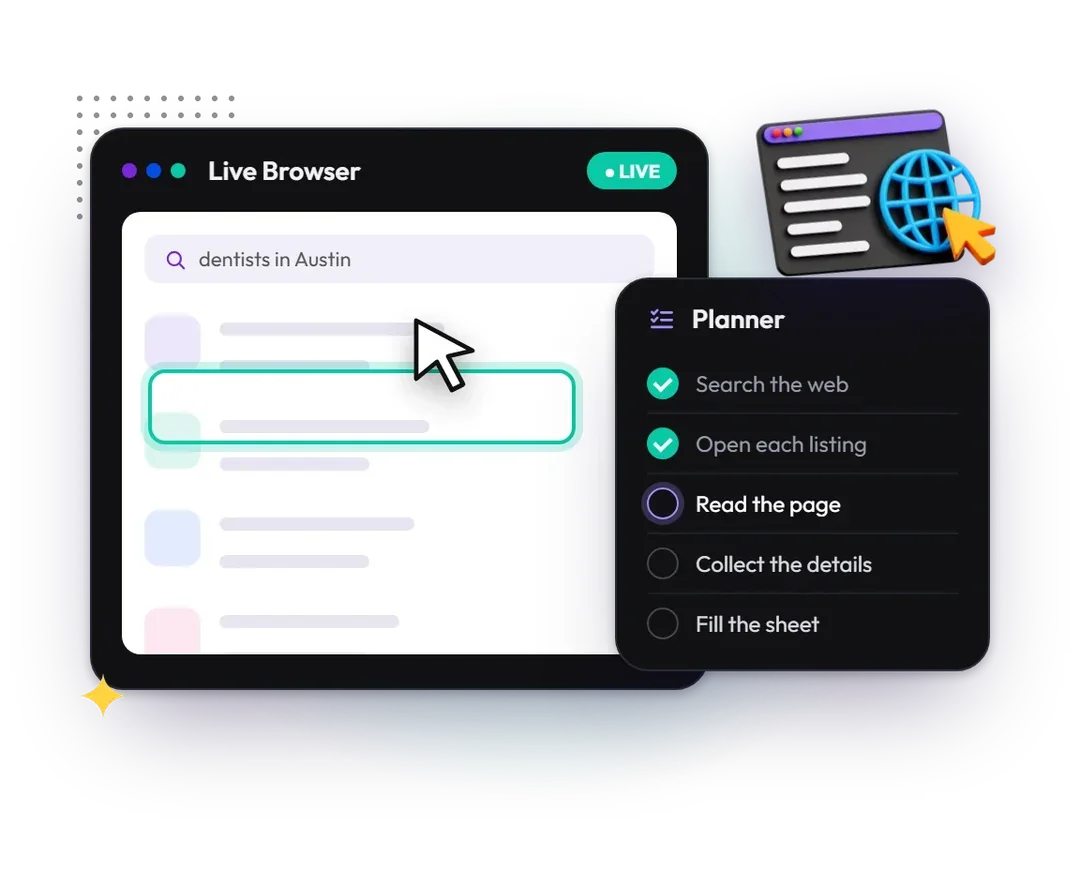
Click Action AI advertises a Lead Finder mode that starts with a niche and city. The useful result is not the biggest possible sheet: it is a relevant set of businesses with traceable information, clear exclusions and a practical reason to review each prospect.
Define what belongs in the list
Choose the actual service area, business category and exclusion rules before running the mission. A city-wide search can return chains, neighboring towns, duplicate branches and businesses that do not fit your offer. Decide which of those should be included.
Keep discovery separate from qualification. A business appearing in search is evidence that it exists in that context, not that it needs your service, has a budget or welcomes unsolicited messages. Our prospect-research guide covers that second decision.
Request sources and missing-data labels
Use a compact schema that a person can audit. A source URL is often more valuable than an extra guessed contact field.
| Field | Purpose | Quality rule |
|---|---|---|
| Business and branch | Identify the actual entity | Match website, city and location |
| Website | Find the first-party source | Keep the full verified URL |
| Public contact route | Support a relevant next step | Do not guess emails or scrape restricted data |
| Source and date | Make the row checkable | Record where and when information was found |
| Exception | Explain gaps | Use unknown, not invented information |
The seller's materials acknowledge that contact details are returned when public. Do not treat a missing email as a software failure that must be fixed by fabrication.
Choose the offer around your next browser job
The supplied purchase route did not reach a product checkout when checked on October 29, 2026. Confirm availability, billing and mission rules before paying.
View the Click Action AI offerGive the mission a sensible boundary
Suggested brief: Find up to ten independent dental practices within the specified city. Exclude duplicates and businesses outside the area. Use public business websites to verify name, location and contact route. Return source URLs and mark missing details unknown. Do not send outreach or submit forms.
The count and business type are illustrative inputs. They are not a measured capacity claim. Begin with a scope you can manually review and expand only after the fields and exclusions are working for your needs.
Clean and qualify before delivery
Normalize repeated URLs, check whether two rows refer to the same branch and inspect any business that appears under an unexpected category. Retain the reason for removing a row so a client understands why the final list may be shorter than the requested maximum.
Do not attach a “qualified” label solely because an agent found a contact. If the client wants businesses without a particular feature, verify that feature directly and preserve the source. An absence in a directory does not prove the feature does not exist.
Choose the next action separately
An approved lead list can feed a research or sales process, but sending messages is a different action with different permissions. Check the source site's rules and the intended use of the data. Do not assume that publicly visible information grants unrestricted permission for bulk reuse or contact.
For formatting, use the CSV and spreadsheet checklist. For the product recommendation, mission allowance and buying caveats, see our Click Action AI review.
Frequently asked questions
Will every lead include an email address?
No complete-contact guarantee is established. Keep a verified public contact route when available and mark missing details explicitly.
Can I call every returned business a qualified lead?
No. Discovery identifies possible businesses; qualification requires fit, relevant evidence and the criteria agreed for your project.
Should the agent contact the businesses automatically?
Keep outreach outside the discovery mission unless you have separately defined the content, permissions and approval process. A research list is not approval to send messages.
Put this workflow in context
Read the full Click Action AI review for our recommendation, product scope and buying limitations.
Choose the offer around your next browser job
The supplied purchase route did not reach a product checkout when checked on October 29, 2026. Confirm availability, billing and mission rules before paying.
View the Click Action AI offerEvidence and editorial scope
We tried Click Action AI and liked its workflow. That is our qualitative publisher feedback, not a measured benchmark. Features and offer details attributed to the seller were checked on October 29, 2026; the tutorials describe suggested processes, not invented test logs or client results.
Our method separates the publisher's experience, seller-described capabilities and independently inspectable offer facts. We check those against the buyer's intended task and retain limitations when the evidence is incomplete.
Official images are used with the publisher's reported permission. They are promotional and workflow illustrations, not our account screenshots. Editorial diagrams are labeled separately. The seller's support desk provides a contact route, not proof of a response time or refund entitlement.
Editorial policy and review approach · Contact the editorial team