Your first Click Action AI mission should be a small, read-only job with an output you can easily check. That lets you evaluate the working process before connecting important accounts or asking for irreversible actions. The steps below are a suggested operating plan, not a claimed record of a timed software test.
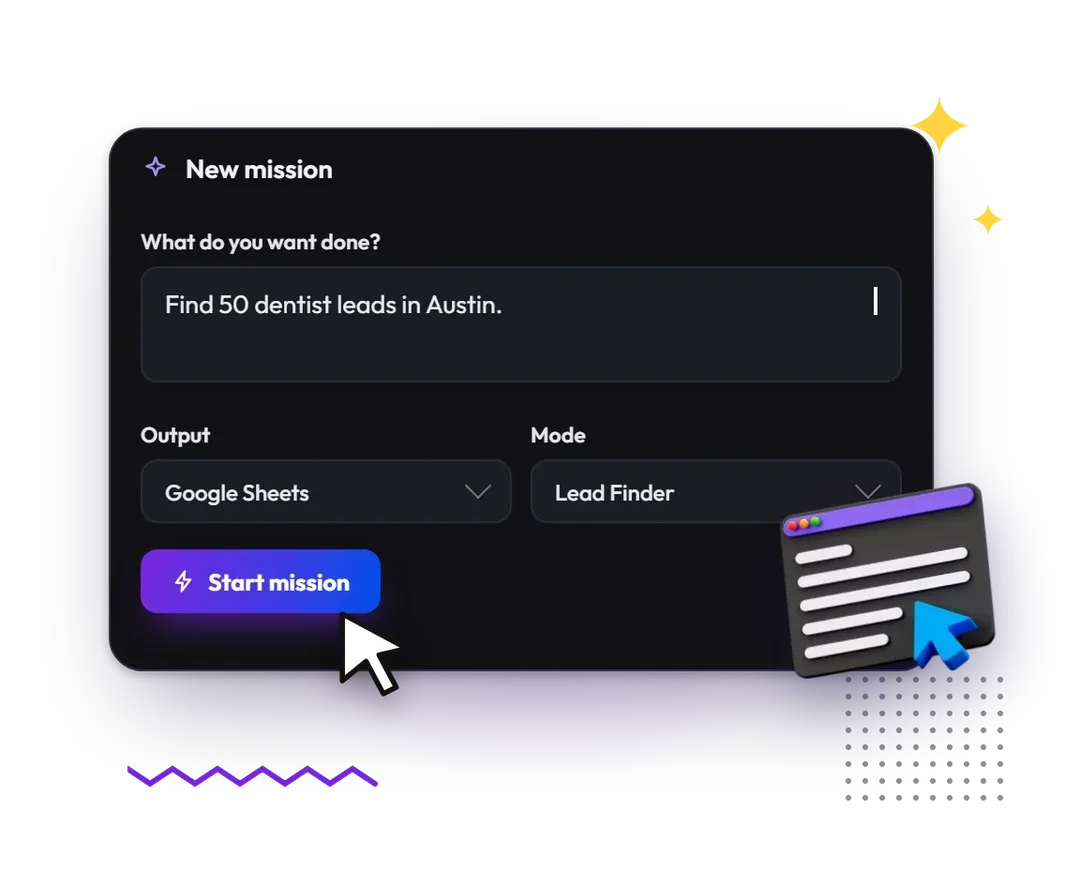
Choose a task with a clear finish line
Pick one category of information from a small set of public pages. For example, compare the publicly listed opening hours of five businesses in a city you know. Avoid combining discovery, account login, outreach and publishing in your first run.
The finish line should be observable: five rows, one source URL per row and an explicit note for anything missing. “Research this niche” is too open-ended to judge. “Return these named fields for this defined set” gives both you and the agent a standard.
Write a complete mission brief
Include the scope, required fields, source preference, missing-data rule and permission boundary. A task instruction should not contain passwords, payment details or unrelated customer information.
Suggested brief: Research the public opening hours for these five businesses. Use their own websites where available. Return business name, hours, source URL and date checked. Leave uncertain values marked unknown. Do not sign in, send messages, submit forms or make purchases.
This example is a brief you can adapt, not a promise that a natural-language restriction replaces the product's actual controls. Remain available to pause the browser if it strays outside the task.
Choose the offer around your next browser job
The supplied purchase route did not reach a product checkout when checked on October 29, 2026. Confirm availability, billing and mission rules before paying.
View the Click Action AI offerFollow the live work and handle exceptions
The product description includes a live browser and step checklist. Inspect those as the job proceeds. If the browser reaches an unrelated business, a login requirement or a repeated error, stop and narrow the instruction rather than letting the task expand indefinitely.
When a site requires a verification code or CAPTCHA, the advertised workflow calls for user handover. Complete only a legitimate action for an account you are authorized to use. Do not seek a route around a site's access restrictions.
Check the output before repeating the job
Open the sources behind the returned rows. Check entity identity, location, missing fields and obvious contradictions. Make sure “closed on Sunday” has not been confused with an outdated holiday notice. Separate an unavailable value from a value that is actually zero.
Then review the export structure: consistent columns, readable labels and a clear exception list. Our export guide covers that final step. If the task is useful, save a better brief with the corrections you learned; the Gig Missions guide explains how to build a repeatable template.
Decide what to attempt next
Only expand one dimension at a time: more sources, a new field or a more complex output. A successful small task does not establish safe unattended access to a CRM or publishing account. Read the approval and account-safety guide before moving from research to writes.
For the product-level recommendation and buying limitations, return to our Click Action AI review.
Frequently asked questions
Do I need coding skills for a first mission?
The seller describes a plain-language workflow without coding. You still need to specify the task, understand its permissions and judge the resulting information.
Should I start by connecting my CRM?
A public, read-only task is a more manageable first evaluation. CRM changes introduce duplicate handling, field mapping and rollback decisions that deserve their own plan.
What should I do if the task keeps repeating a failed step?
Pause it, identify the obstacle and reduce the scope. Check the metering rules before repeatedly rerunning a failing mission.
Put this workflow in context
Read the full Click Action AI review for our recommendation, product scope and buying limitations.
Choose the offer around your next browser job
The supplied purchase route did not reach a product checkout when checked on October 29, 2026. Confirm availability, billing and mission rules before paying.
View the Click Action AI offerEvidence and editorial scope
We tried Click Action AI and liked its workflow. That is our qualitative publisher feedback, not a measured benchmark. Features and offer details attributed to the seller were checked on October 29, 2026; the tutorials describe suggested processes, not invented test logs or client results.
Our method separates the publisher's experience, seller-described capabilities and independently inspectable offer facts. We check those against the buyer's intended task and retain limitations when the evidence is incomplete.
Official images are used with the publisher's reported permission. They are promotional and workflow illustrations, not our account screenshots. Editorial diagrams are labeled separately. The seller's support desk provides a contact route, not proof of a response time or refund entitlement.
Editorial policy and review approach · Contact the editorial team