
Quick take: cloud prospecting, local rendering and Classic animation access are three different questions. We tried Explaindio 5 AI and liked using it, but do not treat that qualitative experience as a benchmark of every operating system or optional application. Choose the production route around the work you need to deliver, then confirm the exact installer and entitlement on the order.
The vendor advertises October 20, 2026 at 11 AM Eastern, $27–$47 one-time entry and an optional $197–$297 annual Bundle. The optional desktop app is described with entry; Explaindio Classic is separately named as a Bundle bonus. Neither wording establishes that a previous Classic licence includes the new cloud service.
Disclosure: purchase links may earn us a commission at no extra cost to you. Vendor screenshots show fictional examples and are not our cross-platform benchmark results.
Three Components That Should Not Be Conflated
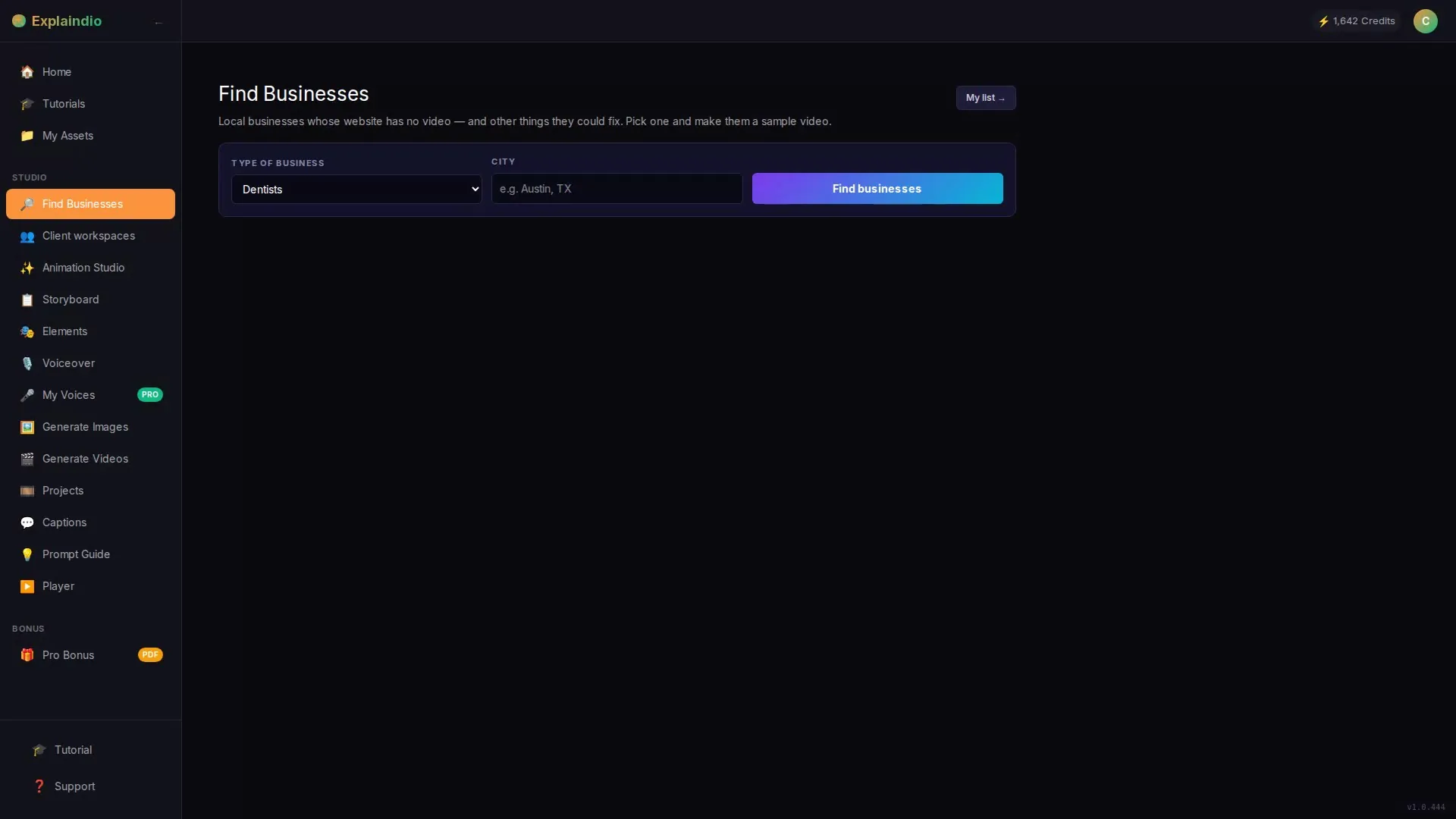
The new cloud workflow connects Business Finder, website checks, a sample generator, hosted preview pages and outreach tools. Its primary value is coordination around a business-specific video opportunity. A desktop renderer answers a narrower question: where does the production job run? Explaindio Classic is the separate established animation product, not simply another name for the new dashboard.
The current vendor notes describe an optional Windows, Mac and Linux app opening the Explaindio editor on the buyer's computer, with free local rendering. They also list a copy of classic Explaindio Video Creator in the annual Bundle bonuses. Do not translate that into “every entry buyer gets every Classic capability forever.” Read our Explaindio 5 AI review alongside the licence and pricing breakdown.
Ask which installer belongs to your purchase, what login activates it, which operating-system versions are supported and whether cloud projects can be exchanged without loss. The public notes do not settle every compatibility detail. An advertised optional app is not evidence of a successful installation on your hardware.
What Happens in the Cloud Studio
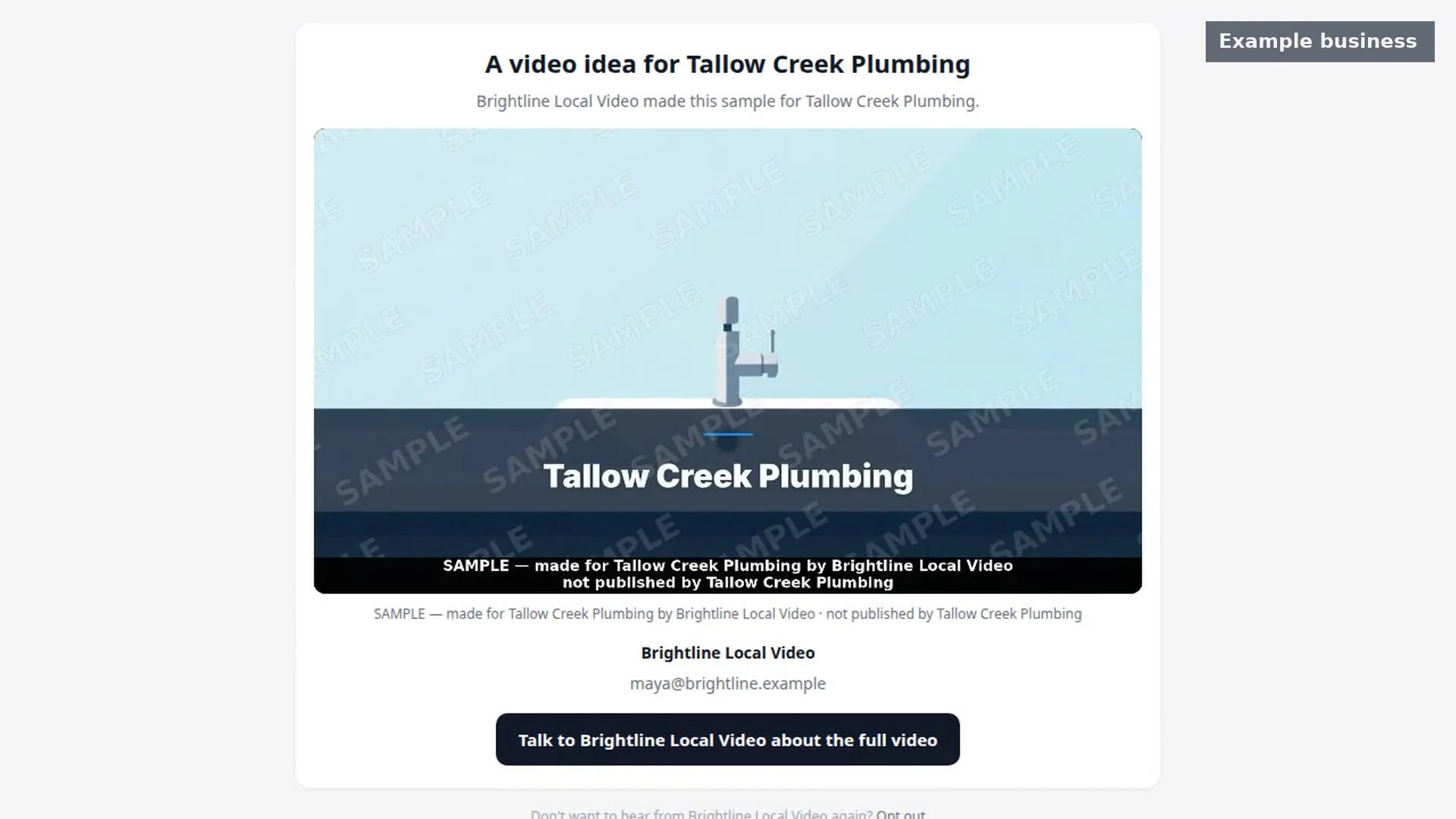
The documented sequence starts with a business category and town. Website checking helps identify an apparent lack of video; contact discovery and a business-specific sample then support a prospect conversation. The provider can create a watermarked, shortened sample page and later edit its words, images or voice before updating the same page.
These are connected stages, not one unlimited resource. Entry has 800 initial credits, while Pro and the active annual Bundle have separate capacity descriptions. Search maxima, rendering allowances, narration and hosting are distinct limits. The vendor's approximate sample counts are estimates, not a guarantee that every project consumes the same resources.
Cloud work requires an operational service and connectivity. A hosted page also creates a dependency after rendering: a local MP4 does not independently keep a preview page online, retain its access settings or maintain client workspaces. Save approved deliverables and order terms rather than assuming a one-time payment eliminates all ongoing dependencies.
The workflow guide covers the complete sequence. Here the important boundary is that generating a local file does not perform business discovery, obtain client approval or verify that an invoice was paid.
What Free Local Rendering Does—and Does Not—Mean
The vendor says rendering on your own computer is free. Interpret that as the rendering path described for the optional app, not proof that all discovery, AI narration, hosted previews, premium templates or cloud services become unmetered. Confirm which project operations require the service even when the final export is local.
Local rendering shifts work onto your machine. Processor capacity, available memory, storage, media complexity and other applications can influence completion. No exact RAM minimum, supported OS build list, GPU requirement or render-speed benchmark is established by the public notes checked for this article. Obtain current system requirements from the vendor before relying on an older laptop.
Do not assume offline operation from the word desktop. Installation, activation, media retrieval and AI-dependent actions may still require connectivity. Similarly, “no cloud-render credit” is not the same as “no project cost”: labour, paid assets and computing resources remain part of a client job.
Where Explaindio Classic Fits
Classic is relevant when you want the established animation application alongside the newer prospecting service. The Bundle documentation names it as an additional resource; that does not establish feature-by-feature parity with the new cloud editor or prove that every old project transfers without adjustment.
If whiteboard animation, complex scene timing or a multi-track workflow is essential, ask for a current Classic demonstration and compatibility guidance for your project. Do not buy on an assumption that a familiar brand name guarantees the exact timeline controls, file formats or legacy plugins you previously used. Our Explaindio 4.0 versus 5 AI comparison separates ownership history from current entitlements.
For existing owners, the buying question is usually the new discovery-to-preview layer rather than whether another animation editor exists. For new users, it is whether they can deliver a clear first service without paying annually for capabilities they will not use.
A Hybrid Workflow with Explicit Handoffs
| Stage | Appropriate route | Acceptance check |
|---|---|---|
| Discover a business | Cloud Business Finder | Active business and relevant website |
| Build a concept | Documented sample workflow | Accurate script and permitted media |
| Request feedback | Restricted sample page | Owner knows it is an unapproved concept |
| Revise production | Supported cloud or local editor | Project compatibility and resource cost |
| Deliver approved files | Agreed MP4 formats | Correct sound, dimensions and download |
Begin with the client's message rather than the application. Confirm the service, audience and action; then approve a short script before rendering multiple variants. Test one non-sensitive project through the chosen export route and compare the final file with the preview. Record any lost fonts, image crops, missing audio or timing changes.
Do not assume that the optional app eliminates every cloud step. A working hybrid process has a documented transfer or recreation method, a named source project and a clear owner for revisions. If portability is unclear, keep the first job within one supported route instead of promising a cross-application handoff.
Credit-Saving and Installation Checklist
Check facts and pronunciation in the script before spending on repeated generation. Reuse only assets whose licence permits the intended project. Batch the client's wording changes into one approved revision list; indecisive requirements can cost more than the export method saves. The local-niche playbook provides narrower briefs that reduce avoidable changes.
Download installers only through the legitimate vendor account or verified support instructions. Do not search for cracked installers, share credentials or disable system protections because an unofficial guide tells you to. Match the installer to the supported platform and retain a recoverable copy of existing projects before opening them in a new version.
For a practical trial, use a fictional business, a short script and licensed media. Confirm activation, save/open behavior, a complete export and the final viewing experience on another device. This is a test checklist for your purchase, not a claim that we completed all those tests on all systems.
Which Route Should You Buy?
Start with entry when you need to evaluate the connected prospecting workflow and its initial resources fit a small pilot. Consider the annual Bundle only when recurring capacity, specific agency capabilities or Classic access has a defined job. A long bonus list is not a substitute for compatibility.
Return to our full Explaindio assessment before purchasing, and use the login and access guide to separate receipt, cloud account and desktop entitlement. Confirm actual checkout price, renewal and vendor-advertised 30-day guarantee conditions. No coupon acceptance or open cart is established here.
Source: current official product notes, checked October 18, 2026. Advertised specifications and bonus eligibility can change before release; this is not checkout or coupon-acceptance verification.
Frequently Asked Questions
Is the optional desktop app the same as Explaindio Classic?
The current documentation lists an optional desktop editor with entry and separately names Explaindio Classic as a Bundle bonus. Confirm the exact application and licence delivered by your order rather than treating the two descriptions as interchangeable.
Does local rendering make all cloud actions unlimited?
No. The vendor's free local-rendering statement does not establish unlimited searches, AI services, narration or hosted pages. Check which operations remain metered and whether activation or media access still requires an online connection.
What are the minimum system requirements?
The vendor names Windows, Mac and Linux, but the checked notes do not establish exact supported versions or hardware minima. Request the current installer requirements and test a small non-sensitive project before accepting paid delivery work.
Should every freelancer buy the annual Bundle?
No. Start from the capabilities and recurring capacity your actual projects require. Entry and annual Bundle have different obligations; compare renewal, limits, Classic entitlement and order-specific guarantee conditions before paying for unused extras.