
Quick answer: use the legitimate access instructions attached to your actual order; a sample-page link is not a buyer login. We tried Explaindio 5 AI and liked using it, but this guide does not claim that every new-buyer credential, installer or optional upgrade has been tested. Its purpose is to help you identify the right access path and check entitlements without exposing credentials.
The advertised release is October 20, 2026 at 11 AM Eastern. Entry is advertised at $27–$47 one-time; Bundle at $197–$297 annually. The checked official notes now list twelve regular vendor bonuses, fourteen Bundle-only bonuses and four time-limited extras—not twenty-one custom browser applications.
Disclosure: purchase links may earn us a commission at no extra cost to you. Vendor demonstration images contain fictional businesses and do not establish your account allowance.
Before You Look for a Login
Before release, the launch destination can be a session invitation rather than an account-creation page. Registering for a presentation is not buying a licence. If you have not completed a legitimate order, there may be no paid account to activate. Check our full Explaindio 5 AI review for the advertised schedule and current evidence.
After an actual purchase, retain the receipt, exact offer name, payment date and vendor access instructions. Use that route or independently verified support rather than a guessed login URL. This article deliberately does not invent a member-area address or ask you to send credentials to us.
A seller order receipt, a cloud account, a prospect's sample page and an optional desktop activation are different objects. If one opens but another does not, first identify which entitlement was purchased. Do not buy the same product again solely because an automated access email is delayed.
Understanding the Documented Member Workflow
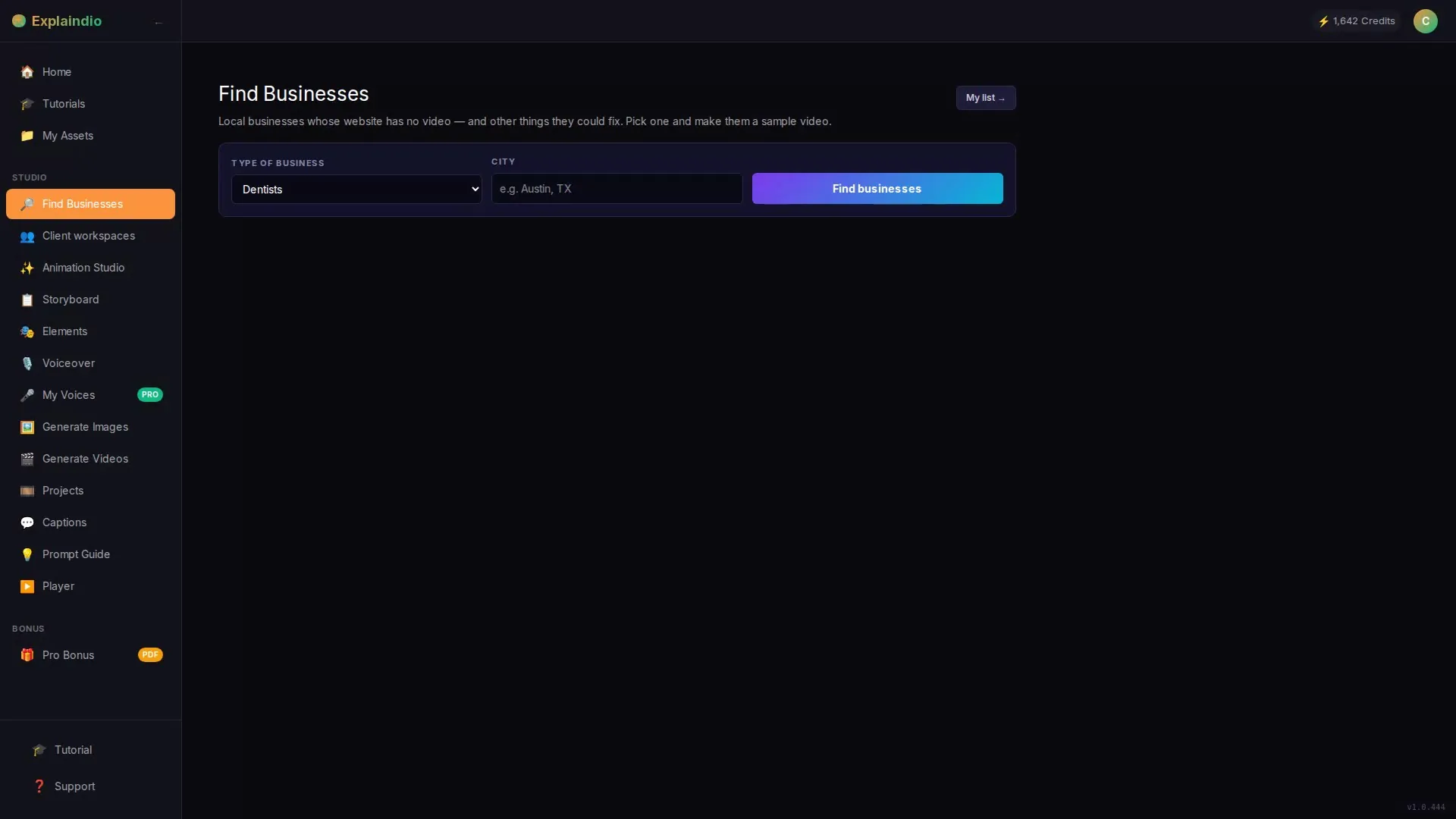
Business Finder and Website Checks
The documented search uses a business type and town, with up to 50 businesses per entry search. A website check supports qualification, but a label does not prove a complete technical audit. Manually confirm the site's content before contacting the owner or repeating an automated observation.
Studio, Samples and Shareable Pages
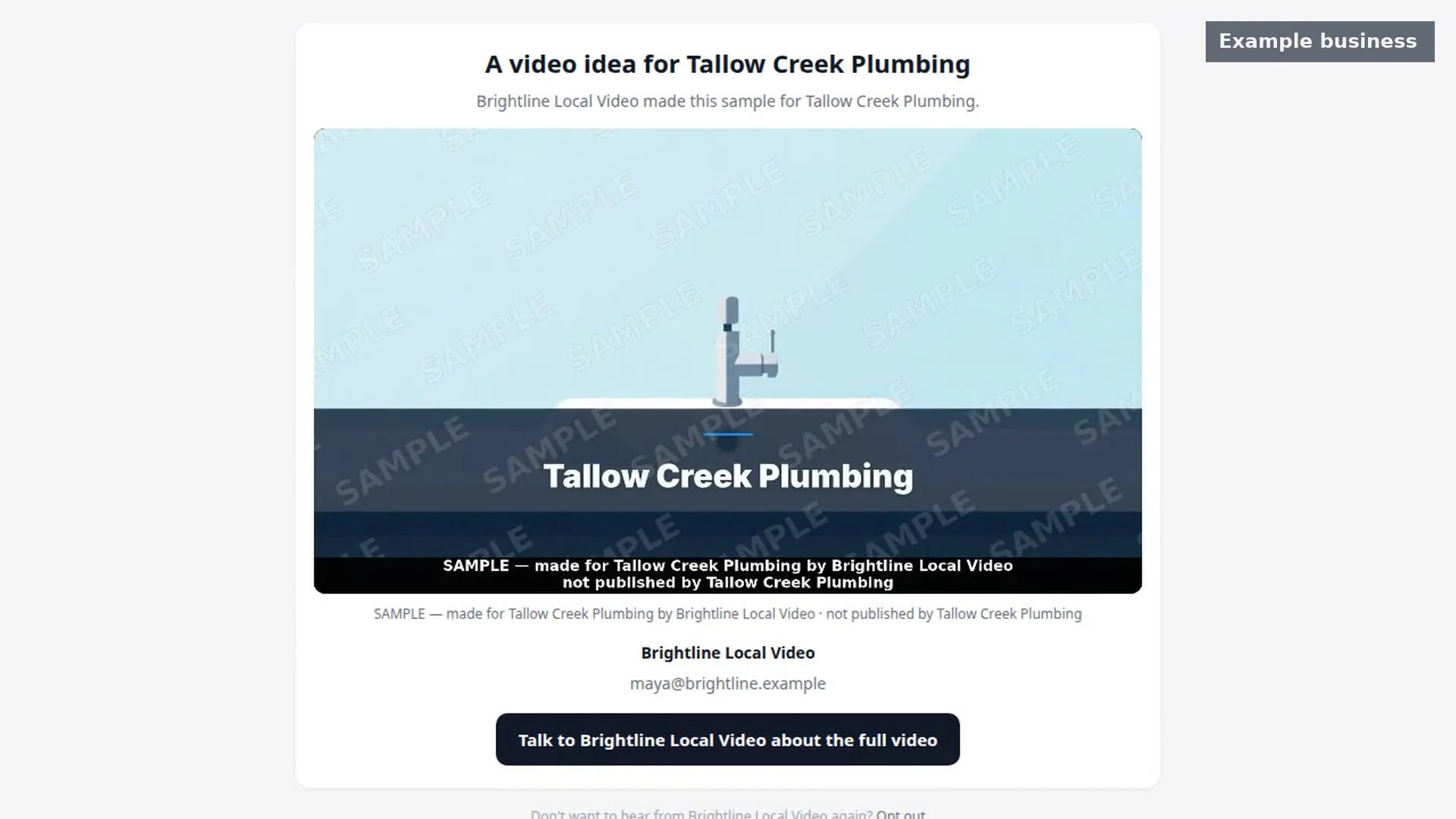
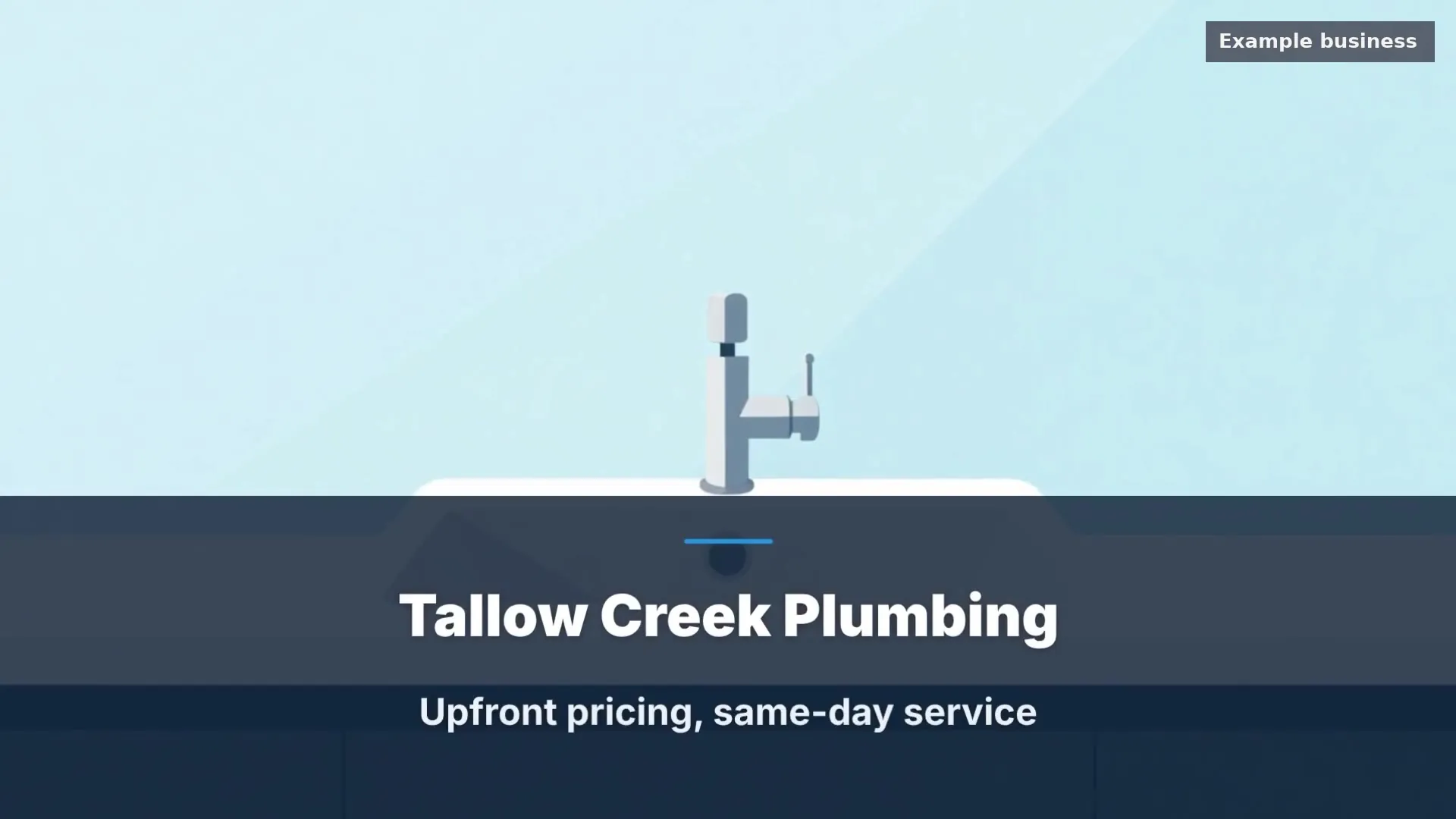
The studio prepares and edits a business-specific example. The sample page is described as a restricted, shortened, watermarked preview, while the approved finished video follows the provider's payment-confirmation step. Opening a prospect page does not grant account access, software ownership or permission to reuse that business's assets.
Credits and Outreach
The entry allocation is 800 initial credits. A displayed demonstration-account meter must not be mistaken for every buyer's starting balance; the active Bundle's extra monthly allowance is a separate entitlement. The email writer assists drafting, and the provider reviews and sends the entry message from their own email. See how the workflow connects.
The Current Regular Bonus List: Twelve Resources
The vendor describes these as supporting guides, templates and planning resources. Do not count them as twelve installed software tools or assign the vendor's reference values as verified standalone selling prices.
- The First Week Plan: a staged route from initial research to a reviewed first sample.
- The Local Niche Picker: possible business categories and selection prompts, not guaranteed profitable markets.
- The Sample Video Polish Guide: a check of wording, imagery, voice and the next action before sending.
- The Outreach Rules Made Simple: an introductory regional rules resource, not individualized legal advice.
- What Can A Business Do With Its Video?: ideas for legitimate placement and an owner-facing handout.
- The Client Delivery Kit: communication and handoff materials for an agreed job.
- The Map Listing Video Guide: instructions for the owner to review against their current account requirements.
- The Freelance Marketplace Starter: editable service-listing and portfolio material, not account approval.
- The Phone And Square Video Guide: presentation guidance for alternate aspect ratios.
- The Caption and On-Screen Text Swipe Pack: adaptable text, still requiring factual and accessibility review.
- The Opening Picture Prompt Pack: starting briefs for visuals, not evidence of image rights or authenticity.
- The Service Packages One-Pager: an editable service menu whose pricing and scope you set.
The practical priority is the polish guide and delivery kit: they help prevent incorrect business claims and ambiguous handoffs. Read the planning material after defining your service, rather than treating the number of downloads as the value of the purchase.
Fourteen Additional Bundle Resources
The annual Bundle adds a different layer. The current list below supersedes the eight-resource count in older launch material; it is a dated vendor description, not proof that every file is already present in a buyer account.
| Bundle resource | Practical role |
|---|---|
| Explaindio Classic | Access to the named classic animation application |
| Done-For-You Niche Video Kits | Briefs, scripts and placement planning for business types |
| Agency Proposal, Retainer and Pricing System | A starting framework for scoped agency offers |
| Agency Start-to-Finish Training | Operational service-business training |
| Multi-Client Delivery and Monthly Report Pack | Handoff and reporting templates |
| White-Label Rebrandable Set | Editable client materials within the actual licence |
| Your Video Business Website Copy | Starting copy for the provider's service site |
| Monthly Video Playbook | Ideas for an ongoing content service |
| Referral And Partner Scripts | Permission-aware relationship prompts |
| Portfolio Builder | A structure for presenting approved work |
| Client Pipeline Tracker | A spreadsheet for agreed follow-up stages |
| Agency Brand Starter Kit | Editable identity and presentation starting points |
| Social Message Scripts | Adaptable messages subject to channel rules |
| Explaindio 5 AI Quick-Start Videos | Eight short workflow tutorials |
Classic is separate from the optional desktop editor described with entry. Rebrandable resources do not automatically grant redistribution of all software, stock media or third-party assets. Use our cloud-versus-desktop guide for that distinction and the agency guide before promising client access.
Timed Extras and Separately Delivered Material
The vendor advertises four fast-action resources for orders before October 23, 2026 at 11 AM Eastern: The 100-Prompt Video Vault, 30 Fill-in-the-Blank Video Scripts, The Voiceover and Tone Pack, and The 15 Objection Replies. That advertised deadline is 15:00 UTC / 16:00 Africa/Casablanca. Confirm eligibility on the actual order; this is not a live countdown or checkout-confirmed entitlement.
A separate ten-item collection is described for promoters to deliver themselves. It should not be promised as automatic vendor fulfillment or as our own included offer unless delivery is explicitly arranged. Counting the regular, timed, Bundle and separately delivered resources together conceals eligibility differences.
No accepted coupon is established by these notes. The advertised rising launch price is not a coupon discount. Check the pricing and Bundle guide and the actual payable order rather than searching for a code that may not exist.
Troubleshooting Without Risking the Account
If an access email is missing, check the purchase address and receipt before contacting verified seller support. Describe the offer and error, but never send passwords, authentication codes, full card data or an unredacted receipt publicly. A support request should contain only what the legitimate provider needs.
If an upgrade is missing, compare the purchased tier with its order description; do not assume an entry account includes annual Bundle services. If a desktop download is unclear, obtain the official installer instructions and exact system requirements. Do not bypass device security warnings or use a third-party cracked installer.
The checked current notes do not establish a definitive international map-API setup, supported-country exception list or universal requirement to supply your own keys. Ask support for the current integration instructions before creating billable external resources. Do not paste secret API keys into public pages or a sample sent to prospects.
Before paying, return to our main Explaindio review. Confirm the selected licence, annual renewal where relevant, initial versus recurring credits and vendor-advertised 30-day guarantee terms. An organized onboarding plan is useful; it is not evidence that the cart is open or that every bonus is delivered identically.
Source: current official product notes, checked October 18, 2026. Advertised specifications and bonus eligibility can change before release; this is not checkout or coupon-acceptance verification.
Frequently Asked Questions
Where is the official Explaindio 5 AI login?
Use the verified access instructions from your actual order or legitimate vendor support. A webinar registration, prospect preview or guessed URL is not a substitute. We do not publish an unverified login address or request your credentials.
Does every account receive 800 credits each month?
Entry is described as 800 initial credits. The active annual Bundle separately advertises 800 additional monthly credits; confirm the exact allowance and refresh conditions for your offer instead of reading a demo balance as an entitlement.
Are there twenty-one browser-tool bonuses?
That description is not supported by the current checked vendor notes. They list twelve regular resources, fourteen Bundle-only resources and four timed extras, plus a separate promoter-delivered collection; eligibility and delivery differ between those groups.
What if I need a refund instead of setup help?
The vendor advertises a 30-day money-back guarantee. Keep your order-specific conditions and contact the legitimate support or receipt route within the applicable period. This guide does not claim completed refund testing or unconditional eligibility for every optional offer.