
Short answer: AI use alone is not a universal TikTok ban, and 200 views do not diagnose a shadowban. Treat low reach, content restrictions and technical posting failures as separate problems. TokMax AI can be evaluated as an assisted production workflow, not as a protection against moderation or an algorithm workaround.
Our provisional product perspective remains 7.4/10. The vendor advertises October 24, 2026 at 11 AM EDT and a $37 Creator offer with 10,000 one-time credits; a live purchase or account-safety outcome is not verified here. Disclosure: purchase links may earn us a commission at no extra cost to you.
First Identify What Actually Happened
“Shadowban” is often used to describe any disappointing result. That hides the difference between a video that never finished publishing, a visible moderation notice, a recommendation restriction and a correctly published video that attracted little interest. Each needs a different response. Buying another generation tool before identifying the problem is unlikely to provide a useful diagnosis.
Write down the observable event: job completed or failed, file exported or not, post URL present or absent, privacy setting, visible account/content notice and the time checked. Avoid guessing from a single view count. Look at the account's native notices and status information; where an appeal or review route is offered, use that route rather than trying to conceal the original problem.
Our main TokMax AI review discusses product fit. This article is a publishing-risk framework, not proof that we tested a restricted account, reversed a penalty or obtained a vendor integration approval. Its purpose is to help you ask a more useful question before spending more credits.
What AI Labelling Does—and Does Not—Mean
TikTok's AI-generated content guidance requires disclosure for relevant realistic synthetic media. It states that enabling the AI-generated setting does not itself affect distribution when the content follows its guidelines. That is not immunity for impersonation, misleading claims or otherwise prohibited content.
AI disclosure and commercial disclosure serve different purposes. A synthetic clip promoting an incentivized product may need both. Do not assume that adding “AI” somewhere in a script satisfies every publishing requirement, or that a third-party scheduler exposes every native control you need. If a necessary setting is unavailable, finish the relevant disclosure in the platform's supported flow rather than silently skipping it.
Do not remove provenance information, impersonate a clinician or customer, invent an endorsement, or use realistic synthetic people in misleading situations. A visually polished result can still be unsuitable. Review rights and factual meaning before looking at colour grading or caption animation.
Five Human Review Gates Before Scheduling
1. Make the Opening Accurate and Specific
The first sentence should tell the viewer what question the clip will answer. Replace an exaggerated hook with a concrete promise the footage can support: “Three export settings to check before uploading” is easier to substantiate than “This secret guarantees a viral video.” Do not optimize a hook independently of the explanation that follows it.
Read the script aloud and compare each assertion with the displayed evidence. Remove fabricated numbers, pretend customer reactions and unsupported product demonstrations. Editing the opening improves clarity; it does not prevent an automated strike or certify originality. For topic selection and usable writing briefs, see our faceless niche and hook guide.
2. Inspect Sound, Captions and the Visual Story
Check pronunciation, pacing, spelling and whether captions hide essential screen elements. A new subtitle colour does not transform copied footage into original work. Add substantive explanation or original demonstrations where appropriate, and make sure rights cover the intended use of the visuals, narration and music.
Review the exported file on a phone rather than relying only on an editor preview. Check the beginning, a middle transition and the final frame. A misplaced subtitle or an unearned claim can survive an otherwise clean render. This is an acceptance checklist, not evidence that every documented TokMax editing option has been tested.
3. Schedule Around Review Capacity, Not a Supposed Safe Number
There is no universal warm-up schedule or posting frequency that guarantees account safety. Publish only as quickly as you can review the material, permissions, captions, receiving account and final state. Starting with a small manageable batch is an operational choice, not a technique for evading platform systems.
TokMax's vendor describes date, time, timezone and bulk calendar functions. Check the selected timezone and account before queuing anything. Identical content repeated across profiles can still be low value even when uploads are evenly spaced. Do not interpret an API allowance as editorial advice to use the maximum possible frequency.
4. Apply the Appropriate Disclosures
Before scheduling, note whether the video contains realistic synthetic media and whether it promotes a product or service commercially. Confirm the actual posting flow supports the necessary settings and that they remain present in the final post. An internal checklist is useful only if the public result matches it.
TikTok's commercial content disclosure guidance explains its platform setting. A commercial-use software licence does not remove that obligation. Keep disclosures understandable to viewers; do not bury a material relationship in a rapidly disappearing caption.
5. Diagnose Before Regenerating a Batch
If a video is published but weak, examine whether its opening, pacing and promised payoff fit the audience. Compare similar clips and observation windows; a small dataset is not a reliable explanation of an algorithm. If the issue is a missing post or a permission error, changing a hook will not repair the connection.
Keep an incident log with sanitized screenshots, job ID, time, actual status and action taken. Do not repeatedly re-upload the same file to “escape” a supposed view ceiling. Test one clearly defined correction at a time and retain a local copy so the original evidence is not lost.
Separate Rendering from TikTok API Delivery
TikTok's Direct Post prerequisites and endpoint reference distinguish app permissions, user authorization and publishing status. A vendor calendar does not establish audited public-posting access. An expired or unauthorized connection is a technical issue, not proof that AI content was banned.
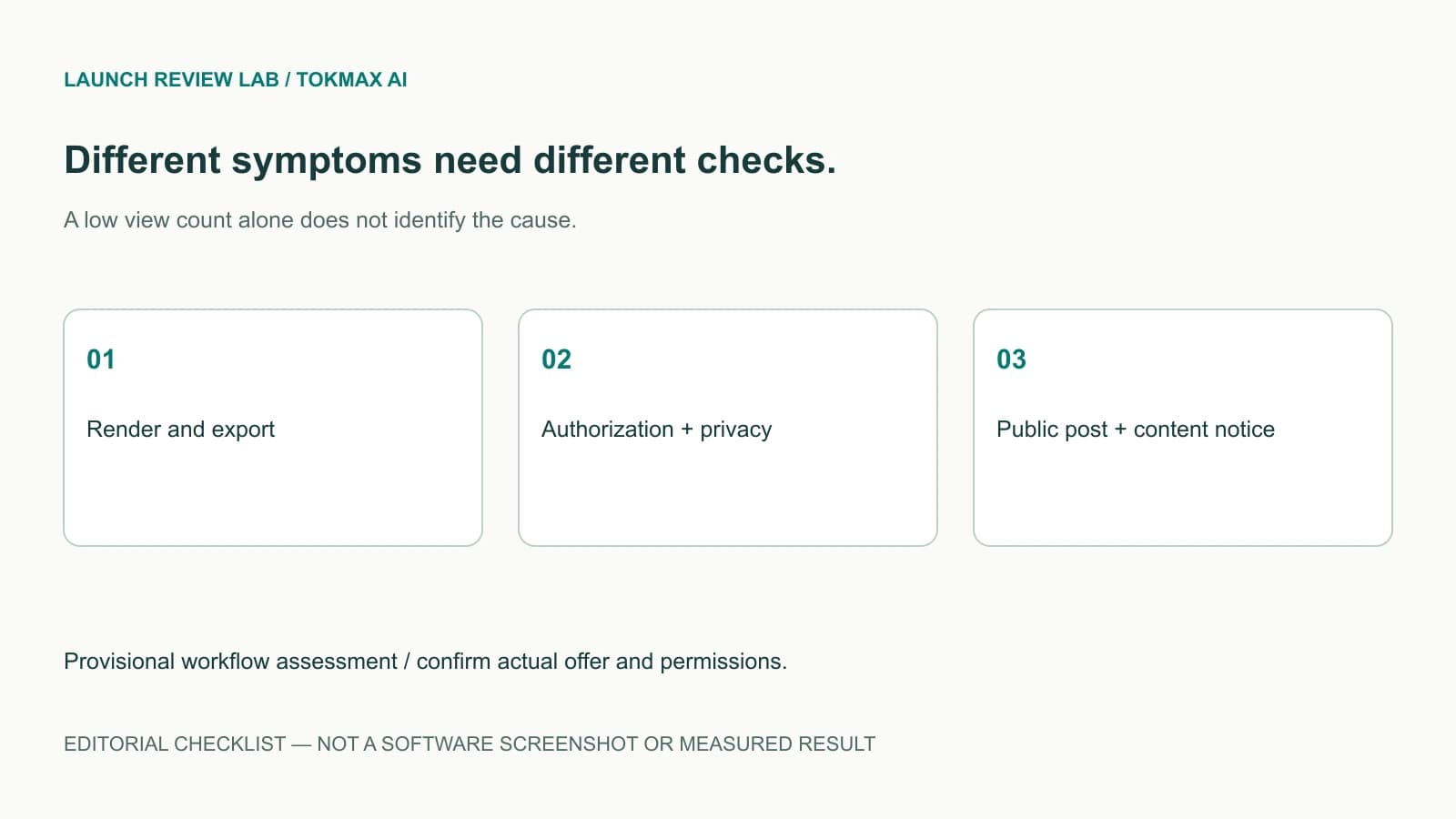
| Observed symptom | Check first | Do not assume |
|---|---|---|
| No usable export | Render job, media and credit record | TikTok rejected a file it never received |
| Export exists, post absent | Receiving account, permission and final status | Another render will repair authorization |
| Post visible only privately | Selected privacy and integration conditions | Privacy proves a shadowban |
| Explicit restriction notice | Notice details and available review route | A caption style change cures the issue |
| Public post, low views | Audience fit and viewing behaviour over time | Exactly 200 views establishes a penalty |
Confirming a legitimate connection should never involve sending your password, session cookie or access token in a support ticket. Reauthorize through an expected official flow and inspect the account you are connecting. Our member-area and support guide explains a safer support handoff.
Credit Discipline Is Part of Risk Management
The advertised 10,000-credit allocation is finite and one-time. Keep generation retries separate from publishing retries in your notes. If a rendering job fails, inspect its status and balance before starting another; if publishing fails after export, preserve the usable file and troubleshoot delivery first.
For planning, reserve a revision budget rather than assuming every generated clip will be approved. Write the acceptance checklist before rendering. A useful cost measure is all batch credits spent divided by approved exports, with time and media costs added separately. No per-video tariff, guaranteed retry refund or replenishment price is established by that formula.
Read the pricing and credits guide before scaling a batch, and the workflow guide to locate the relevant stage. Do not purchase a capacity upgrade to solve a policy notice; the underlying content or account issue may remain unchanged.
Final Decision: Buy a Workflow, Not a Ban-Proof Claim
Consider TokMax only if its documented production sequence fits content you can review responsibly. Keep the original source files, a rights record and a plan for manual corrections. Avoid any purchasing argument that implies the software certifies TikTok compliance or changes the platform's judgement.
Return to our full TokMax AI assessment for the buying context. A small pilot can test fit after the offer is live, but not prove future account safety. The practical goal is accurate, useful content and observable publishing status—not hiding automation, manipulating account behaviour or promising an algorithmic outcome.
Frequently Asked Questions
Does TikTok automatically ban videos made with AI?
AI use alone is not a universal ban. Relevant realistic synthetic media requires disclosure, and the underlying content must still follow platform rules. A production tool cannot grant immunity from moderation or recommendation restrictions.
Does getting 200 views prove I am shadowbanned?
No. A view count alone does not identify a technical failure, a policy restriction or weak audience response. Check actual post visibility, account/content notices, privacy and publishing state before attributing the result to a hidden penalty.
What posting schedule is guaranteed safe?
No universal frequency or warm-up pattern guarantees safety. Use a pace you can review properly, respect account and integration limits, and avoid duplicate or low-value posts rather than trying to game detection with a timetable.
Will a TokMax upgrade fix a TikTok restriction?
There is no evidence for that claim. More capacity or workflow features do not reverse a policy decision or repair every authorization problem. Diagnose the actual failure and use the relevant platform or vendor support process first.