
Quick answer: existing buyers should use the access instructions attached to their actual order, not a guessed login address. New visitors can inspect the official launch destination and documented modules before buying. This is a vendor-material walkthrough and access checklist, not a live customer-account tour or proof of an operational integration.
The vendor advertises October 24, 2026 at 11 AM EDT, $37 Creator entry and 10,000 one-time credits. Our provisional workflow perspective remains 7.4/10; launch availability and login access are separate questions. Disclosure: purchase links may earn us a commission at no extra cost to you.
Existing Buyer or New Visitor? Start in the Right Place
If you have already ordered, locate the order receipt and the seller's delivery or welcome message. Check the product name, purchase email, order identifier and purchased tier. A payment receipt and a software account can involve different credentials; do not assume your purchase-platform password is the product password.
No independently confirmed public TokMax login or reset URL is supplied here. We intentionally do not invent one, infer it from a domain name or label an unrelated preview as the member area. Follow the access route in your actual order and verify the domain before entering credentials. If the message is absent, check spam and contact the vendor through its verified support route.
If you have not purchased, a launch-availability button is not a login button and does not create an account. Review our full TokMax AI assessment, confirm the actual offer is available, and retain the exact order terms if you choose to proceed. A calendar launch date is not evidence that a purchase was accepted or an account provisioned.
What the Vendor Material Shows—and What It Cannot Prove
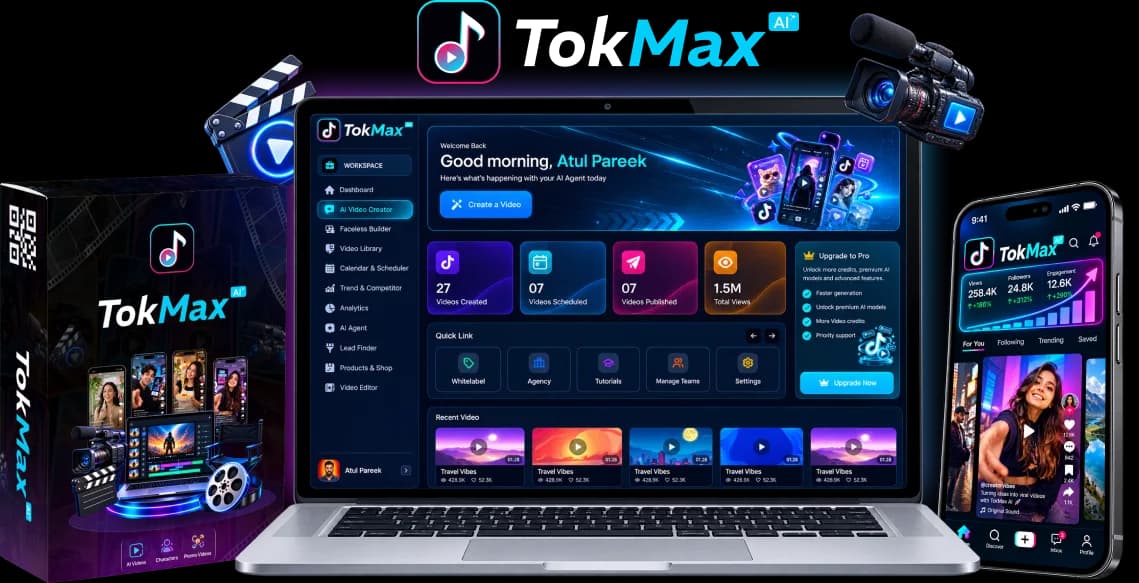
TokMax's public material illustrates a dashboard with creation, library, calendar, analytics and agency-related navigation. Promotional panels can combine several tiers and sample performance figures. A menu label does not establish that the feature is usable on Creator, and a displayed view total is not our result.
Use the screenshots as orientation, not as a click-by-click customer guide. Buttons, names and placement may differ in the released interface. Compare the live account you actually receive with your written entitlement before assuming a missing panel is a fault. Some optional tools can be visible but gated, while others may be delivered through a separate activation process.
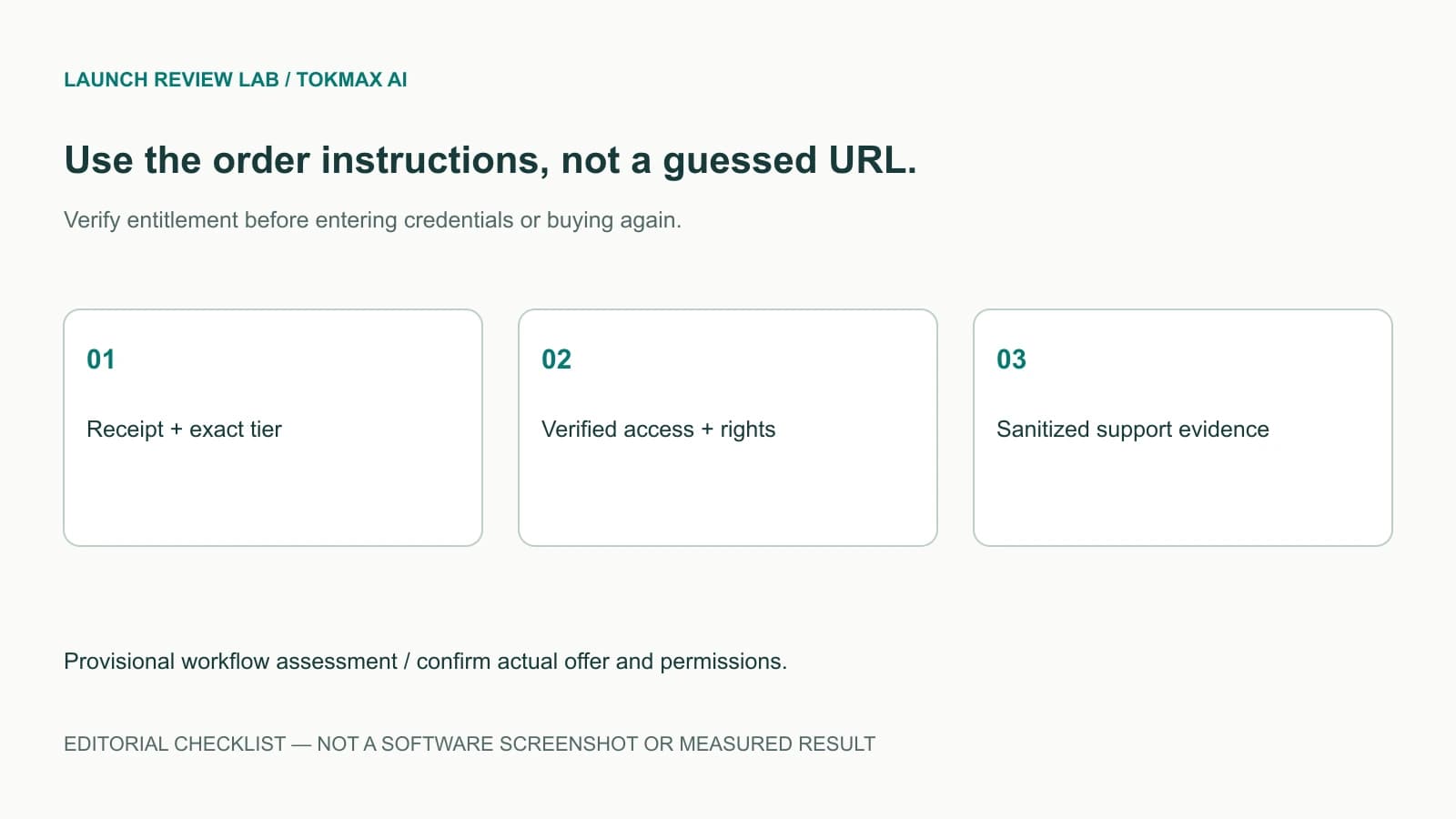
The original vendor artwork used here is labelled as promotional material. The second image is a Launch Review Lab editorial checklist, not an authentic screen showing a working credit meter. This distinction prevents a buyer from mistaking an explanation of what to check for evidence that we inspected their account.
A Purpose-Based Tour of the Documented Modules
Ideas, Hooks and Content Agent
The current Creator specification lists a script/hook generator, content agent, content optimizer and recommendations. Start with a precise brief: intended viewer, question, evidence, language and permitted next step. A general request to “make something viral” cannot supply those missing decisions.
Review generated claims, citations and product details before moving to media. Save an approved script separately so an accidental regeneration does not erase the chosen version. Trend-research and faceless-specific workflow descriptions also appear in optional offers, so verify which controls belong to your account. Our niche and hook guide supplies practical briefs without inventing a specific button sequence.
Video Builder, Captions and Voice
Vendor documentation lists keyword, topic, product, image, script and URL inputs, alongside basic trimming, splitting, crop/resize, captions, music and voiceover tools. These descriptions explain the intended workflow, not tested parity with a precision editor. Confirm supported formats, duration, resolution and custom-media handling for your chosen licence.
Begin with a short, non-sensitive project. Preview sound, names, subtitles and the actual export before queuing more. Keep a source copy and record any failed job ID. Do not assume a completed render proves it was published, that every stock asset is licensed for every use, or that revisions are free of credit charges.
Credit Record and Production Budget
Creator advertises 10,000 one-time credits. On first access, record the actual starting balance and any stated expiration, action tariff or purchase terms. Then observe the balance before and after one authorized job. A visible meter alone does not explain charging for retries, partial jobs, voices, storage or additional assets.
There is no universally established credits-per-video number here. Maintain a local ledger of action, job, status and consumed balance. If the figures do not reconcile, preserve evidence and ask support before submitting more jobs. Our pricing and credits guide explains the buying distinction between finite opening balances and optional capacity.
Library, Calendar and TikTok Connection
The vendor lists a searchable video library, date/time/timezone scheduling, bulk scheduling and calendar states for upcoming, scheduled, published and failed items. Verify the actual destination account, timezone and required disclosure controls before queueing a post. Save exported files outside the service when permitted and appropriate.
A scheduled entry is not final platform confirmation. TikTok's publishing documentation distinguishes app permission and user authorization. Inspect the post's final state in the receiving account and avoid repeated blind retries. Read how TokMax AI works for the broader workflow and our policy checklist for the review gates.
A Safe Support Request for Login or Rendering Problems
The public vendor document identifies Oppyo's support desk and support@oppyo.com. Use the support portal to confirm the current contact process. A named support route does not establish 24-hour live chat, an immediate response or a guaranteed recovery time.
For access, supply the purchase email and order identifier privately through the legitimate support channel, plus the product/tier and exact symptom. For a rendering problem, add job ID, timestamp/timezone, visible error, browser version and a sanitized screenshot. Explain whether an export exists and whether credits changed; this helps distinguish access, generation and publishing issues.
Never send passwords, authentication codes, session cookies, payment-card details or raw access tokens. Redact unrelated customer information from screenshots. If instructed to connect a social account, inspect the expected authorization flow and permissions rather than following an unfamiliar credential-collection form. Keep a copy of the ticket and any written resolution.
Pre-Purchase Checklist and Final Decision
Before purchasing, confirm the live offer, actual total, billing interval, licence, starting credits, action costs, refund terms and access-delivery process. A seller-advertised feature is not a substitute for the exact order. No successful refund request, independently timed rendering result or account-safety guarantee is established in this article.
Revisit our main TokMax AI review for the overall fit decision. If your priority is a connected drafting and scheduling workflow, a small reviewed pilot may be useful once the cart and terms are confirmed. If you need specific timeline controls, use our CapCut comparison before deciding whether the documented editor is enough.
Sources checked October 17: official launch information and the public feature/support document. Existing account credentials and actual customer data were not accessed for this walkthrough.
Frequently Asked Questions
Where is the verified TokMax AI login page?
No independently confirmed public login URL is supplied in this guide. Use the access instructions associated with your actual order and verify the domain before entering credentials; do not treat the launch link as a customer login.
Why does an upgrade appear locked after purchase?
It may not be included in your exact tier, or it may require a vendor-specified activation step. Compare the receipt and written inclusions, then contact the verified support desk before buying again or assuming a software fault.
Do the screenshots prove Creator includes every dashboard feature?
No. Promotional artwork can display multiple tiers, sample figures and optional panels. Check actual entitlements against the written order, and do not interpret a menu item or illustration as proof of working account access.
What should I send support if a video fails to render?
Provide a job identifier, timestamp, visible status/error and a sanitized screenshot through the legitimate support route. State whether credits changed or an export exists, but never send passwords, tokens, authentication codes or payment-card details.