
An allowance is not a content strategy. The current ViralForge partner page describes 30 videos per month on the entry plan and batches of up to 25. A useful plan starts by deciding what those videos should explain, how much variety the audience needs and how you will leave room to correct or develop a promising idea.
The calendar below is a planning example, not a usage log or an assurance about how retries are counted. The supplied product document lists a different entry allowance, so confirm the selected order's actual limit. Our ViralForge AI review explains that source discrepancy and the separate Bundle purchase route used by our buttons.
Disclosure: we may receive a payment when you buy through our links, at no extra cost to you. This is a commercial editorial publication, not the product creator or account service.
Start with three audience questions, not thirty slots
Choose three questions that repeatedly appear before someone buys your product or service. A small software business might need to explain the job it solves, what setup looks like and which type of team fits. A local business might answer when to book, what a visit includes and how to prepare.
Assign one main message to each theme. This makes later variations more coherent: a new opening still leads to the same useful explanation. It also prevents the calendar from becoming thirty unrelated ideas generated simply to fill a quota.
Record the desired next action beside the theme. Not every post needs to ask for an immediate purchase. A product demonstration can point to a full explanation, while a common-question video can direct people to the relevant service information. The destination should match the question the video raises.
Allocate the month before producing the first batch
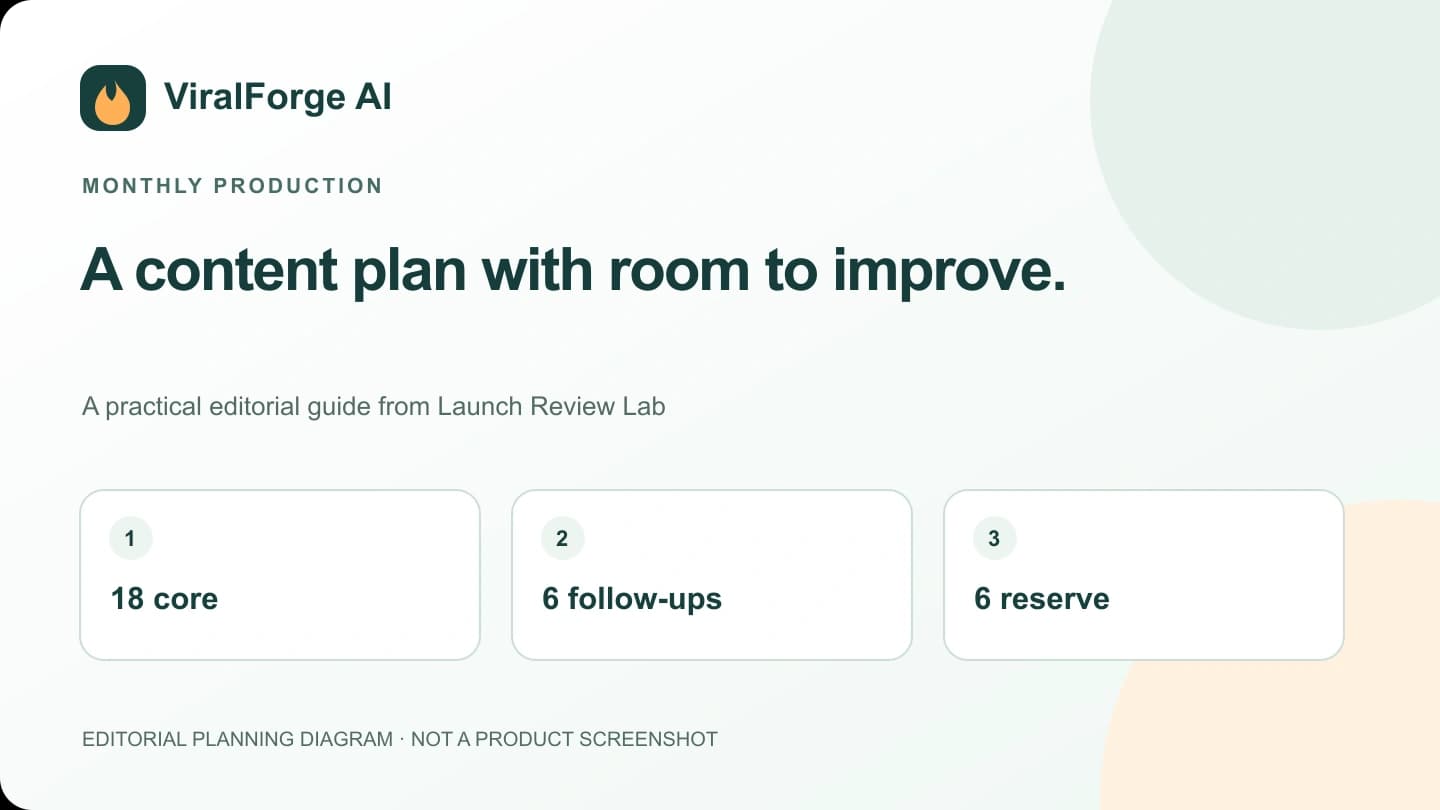
One practical allocation is 18 core videos, six follow-ups and six reserve slots. The core videos introduce the three themes through different openings. Follow-ups answer questions or develop a useful angle. Reserve capacity gives you room for revisions or a timely announcement without assuming every render will be approved.
| Allocation | Planned videos | Purpose |
|---|---|---|
| Three core themes, six versions each | 18 | Explain the main buying questions |
| Follow-ups and clarifications | 6 | Develop audience-relevant topics |
| Reserve capacity | 6 | Allow for corrections or timely changes |
| Total planning ceiling | 30 | Subject to the actual plan's counting rules |
This arithmetic allocates a stated allowance; it does not establish how the service counts failed jobs, regenerations or downloads. Ask that question before committing every available slot to a client deliverable.
Separate production days from publishing days
A batch can be made on one day without needing to publish every version immediately. Group research and script approval together, then use the calendar to spread approved messages across a sensible period. A production rhythm is easier to maintain when the team knows when briefs, reviews and final files are due.
The advertised scheduler uses a three-per-day default. That is a software setting, not a recommendation that every account should publish three times daily. Thirty videos at three per day cover ten days, not a full thirty-day month. Choose a schedule based on the audience, your available material and the destination's requirements.
Keep enough distance between highly similar explanations that the calendar does not feel repetitive. Mix a demonstration, a useful answer and a decision aid rather than scheduling six nearly identical openings back to back.

Build approval into the calendar
Each planned item should have a status: brief ready, script approved, export reviewed, scheduled and delivered. These statuses describe different decisions. A rendered file is not necessarily approved, and a scheduled item is not necessarily a confirmed successful publication.
Give one person responsibility for checking the current product statement, captions and destination. If someone changes a price or an offer, identify which scheduled assets mention it. A simple campaign register is often enough; the important point is that the change is traceable.
Our client handoff system provides a more detailed approval pattern. It is useful even for a solo creator because it prevents unfinished ideas from being mistaken for ready-to-publish files.
Review the month without confusing activity with value
Count approved, delivered assets separately from raw generations. Then review whether the content answered the intended questions and attracted the appropriate next actions. A month with fewer but clearer videos may be more useful than one that consumes every allowance while sending viewers to unrelated pages.
Record which explanations deserve a follow-up. A repeated question can suggest missing context; it does not automatically mean that the opening failed. An interested viewer might need a clearer example, a better destination page or a more suitable offer rather than another new hook.
Use the hook matrix when you want to compare openings. Keep broader campaign changes separate so you can tell whether you are learning about the creative, the offer or the audience.
Decide on an upgrade from a real bottleneck
The official partner page describes Unlimited as 2,000 videos monthly under fair use, with batches of 100. More capacity can be useful if you have enough approved briefs, brands and review time to use it. It does not remove the editorial work required to make the output relevant.
Before choosing a larger package, estimate actual monthly production, the number of connected channels and the rights needed for client work. Include any AI-key or third-party costs that apply to the selected plan. The current official sources disagree on that requirement, so do not assume every external cost is covered.
Our purchase destination is the advertised annual Bundle, not a $37 Premium button. Review the official plan description and the order's actual allowance, optional additions and billing before selecting it.
Frequently Asked Questions
Does one batch of 25 mean I get 25 extra videos?
No. A batch maximum and a monthly allowance are different limits. Confirm how the selected plan counts each generation against its monthly total.
Should I use the three-per-day scheduling default?
Only if it suits your audience and content plan. At that pace, 30 videos cover ten publishing days, not an entire month.
Is the 30-video allowance settled across every official source?
No. It is the current partner-page description; the supplied product document differs. Confirm the allowance and counting rules on the actual selected order.
When is more capacity worthwhile?
When production capacity is the real bottleneck and you already have enough suitable briefs, review time and publishing needs. A larger output number alone is not a complete reason to upgrade.