
A short video can earn attention and still send the viewer nowhere useful. The practical commercial question is not only what to publish, but what happens after someone wants to know more. ViralForge's official workflow includes a bio-link page and analytics alongside its video-generation and scheduling features. This guide explains how to connect those parts without mistaking a click count for a sales report.
The funnel below is an editorial campaign design, not a claim that we observed a particular number of buyers. For our qualitative product experience, feature assessment and package distinctions, see the ViralForge AI review.
Disclosure: we may receive a payment when you buy through our links, at no extra cost to you. This is a commercial editorial publication, not the product creator or account service.
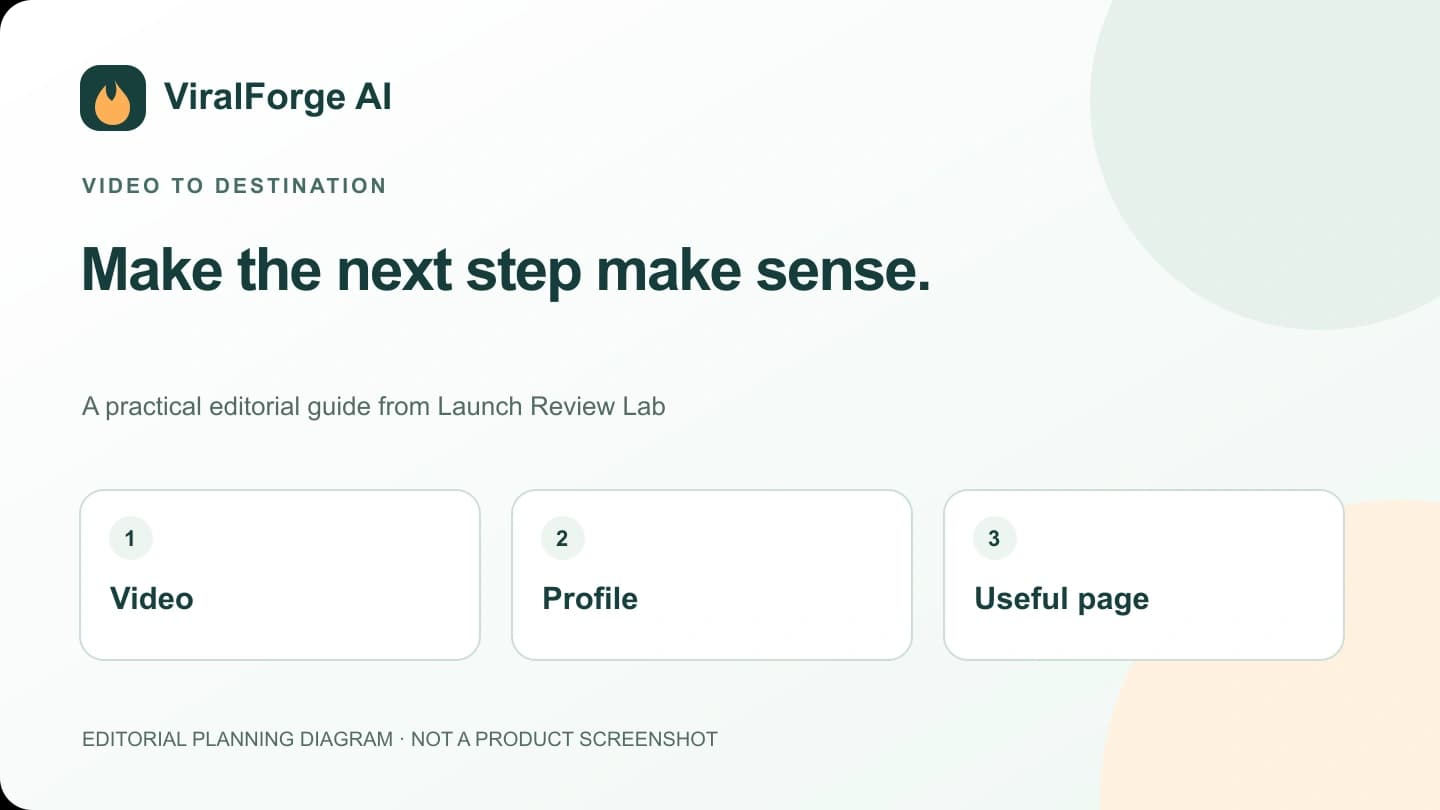
Give each video one clear job
Decide what the viewer should understand before asking for an action. A demonstration might show how a product handles a common task. A comparison might help someone choose a suitable configuration. An answer video might explain what a service includes. Each can lead to a different useful destination.
Keep the invitation aligned with the explanation. If the video answers a setup question, point to the relevant setup or product page rather than a broad collection of unrelated offers. A small, logical next step is easier to understand than a sudden jump from helpful information to an unexplained purchase demand.
Write the destination into the script brief. This gives the reviewer a specific question to check: does the page actually deliver the information or option promised by the video? A working URL is not enough if the content at that URL has changed.
Design the bio-link page around a decision
The official material describes a page where the creator's offers are available. Treat it as a small decision page, not a storage shelf for every link you have ever used. Start with a short explanation of who the page is for and a small number of clearly labelled choices.
Use labels that describe the destination. “See the desk microphone options” is more informative than “click here.” If a link opens a recurring package rather than an entry offer, make that distinction visible before someone leaves. The same principle applies to our own ViralForge button: it uses the supplied Bundle route, not the separately advertised Premium entry route.
Keep commercial relationships clear. A reader should understand when a recommendation can earn the publisher a payment. Clear disclosure and useful information can coexist; hiding the relationship does not improve the explanation.
Measure the stages separately
| Stage | Useful question | What it does not establish |
|---|---|---|
| Video exposure | Was the content shown and watched? | That the viewer visited the profile |
| Profile visit | Did the topic generate further interest? | That a destination link was clicked |
| Link click | Did someone open the next page? | That checkout or payment completed |
| Recorded purchase | Does the purchase system report a transaction? | Which creative caused it unless attribution supports that link |
Keep each metric's definition and reporting source with the number. Platform analytics, a bio-link tool and an order system can use different windows, identifiers and deduplication rules. Their totals do not have to match perfectly to be useful, but they should not be presented as interchangeable.
ViralForge's advertised analytics can inform the creative workflow. Do not assume that this automatically proves order-level attribution across every external purchase destination. Confirm the specific reporting capability before promising a client a complete end-to-end sales dashboard.
Use tracking only where the destination supports it
Campaign labels are useful when the relevant platform documents and preserves them. Do not invent parameter names or add them blindly to a commercial tracking URL. A label that appears in a local click log may never appear in a purchase report.
Keep an internal mapping between the creative identifier, publication URL and approved destination. If supported sales tracking is configured later, begin recording the mapping from that point forward. Do not claim that it can reconstruct every earlier buyer's path.
This publication preserves the exact configured ViralForge purchase destination and does not add experimental tracking parameters. A separate tracking setup should verify the supported fields, their visibility in reports and the scope of the sites being changed before modifying links.
Test the path as a visitor
Review the video invitation, profile, bio-link page and final destination in sequence. Check mobile readability, obvious labels and whether a person can find the promised option without guessing. Confirm that an unavailable pre-launch page is not described as a completed or verified checkout.
Test the public route without placing an order or entering payment details. Note redirects, missing pages and mismatches between button text and offer. A link can be technically correct while the creator's destination is not yet ready; record that distinction rather than replacing a legitimate tracking link with an invented one.
For a campaign involving a client, send the complete route for approval. Our handoff guide explains how to record that sign-off without sharing account credentials or making every reviewer a site administrator.
Improve the weakest relevant step
If the creative attracts attention but few people understand the next action, improve the invitation and destination clarity. If people click but the product is a poor fit, more aggressive wording is not the answer; revisit the audience and explanation. If purchases occur but their source is unknown, inspect the reporting setup instead of inventing a confident attribution story.
Change one meaningful part at a time when possible. Keep the date and reason for each revision so the next review has context. Pair this funnel with the hook-testing matrix to separate a creative experiment from a destination-page change.
The official product description presents the bio-link and analytics features as part of the wider workflow. Their value is helping you organize a clear next step; actual reach and purchases depend on the campaign and the reporting that records them.
Frequently Asked Questions
Does a click prove that a sale happened?
No. A click records movement to a destination. A completed purchase needs evidence from the system that records the transaction.
Can I add any tracking parameter to a purchase link?
No. Use only documented parameters that the relevant destination supports, and verify where they appear in reports. Preserve legitimate tracking identifiers.
Does this article change my tracking links?
No. It explains the planning and measurement model. The configured purchase destination remains unchanged and no experimental campaign parameters are added.
Can a later setup identify every earlier sale's source?
Not reliably. Historical attribution depends on what was captured at the time. A new setup should not be described as reconstructing missing past data.