
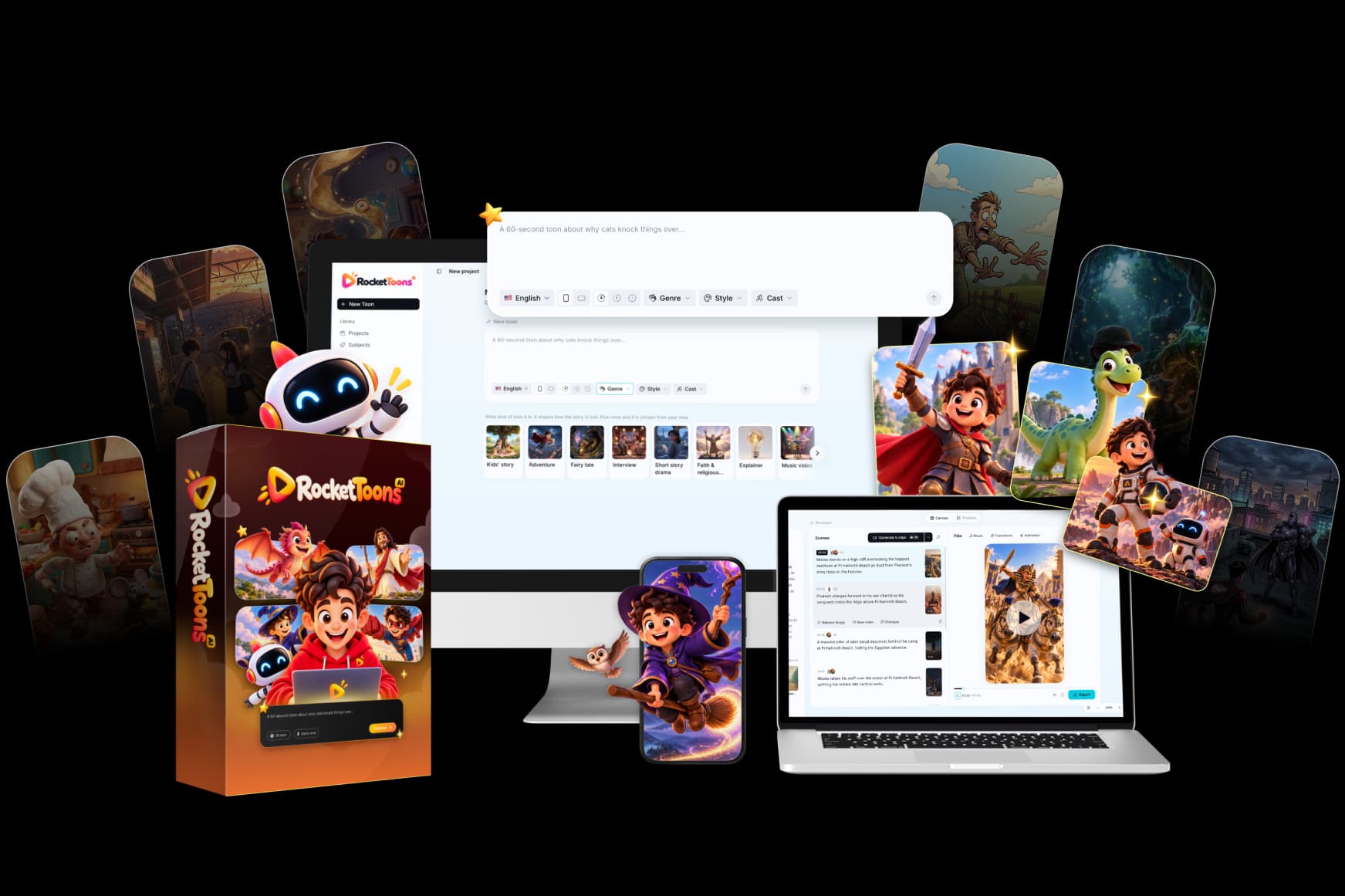
RocketToons editing and export is where separate generated pieces become a deliverable. A good final check is not simply whether the render finished. It is whether the downloaded file preserves the intended story, readable text, recognizable characters and clear audio.
The official material describes MP4 output, several aspect ratios, take history and additional finishing tools in optional packages. This guide provides a delivery checklist without inventing codec settings or a measured rendering benchmark. For the overall recommendation, read our RocketToons review.
We may earn a commission if you purchase through links on this page, at no extra cost to you.
Start with the approved version of the story
Before polishing transitions, confirm that the scenes appear in the correct order and that each one supports the intended message. Remove redundant shots and check the beginning and ending. A sophisticated transition cannot fix a missing explanation or an unresolved story event.
Keep the approved script nearby while reviewing. If a revised line changes the meaning, check the caption and surrounding action too. A correction in one production layer can create a mismatch in another. The tutorial explains the earlier approval stages that make finishing more manageable.
Compare takes with a specific criterion
RocketToons advertises retained takes and the ability to select earlier versions. Compare them based on identity, action, framing and how well they connect to adjacent shots. Do not choose the most visually elaborate result if it changes a key prop or distracts from the event.
Confirm whether a control selects an existing take or requests a new generation. Those actions can have different resource consequences. Preserve the current approved export before experimenting with a major change. The credits guide explains how to keep exploration separate from delivery costs.

Review captions and transitions at viewing size
Captions should remain readable against the actual scene, not only against a neutral editor background. Check names, numbers, punctuation and line breaks. A word-by-word effect should help the viewer follow the sentence rather than cover the important action. Preview the result at its intended phone or desktop size.
Use transitions to communicate a change, not just because more options are available. A simple cut may be clearer than a repeated animated effect. The official overview describes premium transitions, caption styles and timeline controls under Pro; verify those entitlements before treating them as entry features.
Match the export to the destination
The supplied specifications describe widescreen 16:9, vertical 9:16 and square 1:1 formats. Choose the format based on the planned use and inspect the composition. A change in ratio can remove a character, crop a caption or hide the object that explains the scene.
| Intended use | Final composition check |
|---|---|
| Widescreen lesson or story | Important action remains visible across the full frame |
| Vertical short | Faces, props and captions remain readable in the narrow layout |
| Square social asset | Text and the principal action remain balanced after reframing |
| Client delivery | Ratio, file type and other agreed requirements match the brief |
Do not publish an unsupported resolution claim for every package. The current overview attaches specific higher-end output capabilities to Pro. Verify the account's actual export options and selected settings before promising a required specification to a customer.
Watch the downloaded MP4
Open the file outside the editor. Check that it starts correctly, plays through and ends cleanly. Listen for clipped dialogue, abrupt music changes and unexpected silence. Review the most important caption and the final action. A successful export notification is useful, but the deliverable itself is the evidence that the file is usable.
If you plan direct social publishing, check the resulting post separately. A completed export does not prove that an upload succeeded or that its title, caption and visibility are correct. Our Shorts and Reels guide covers the vertical-content checks without assuming a particular platform outcome.
Archive useful files before storage expires
Storage retention and software access are different questions. The official sources disagree on some package-specific retention periods, so verify the actual entitlement rather than assuming permanent cloud storage. Where permitted, keep approved exports and essential references in your own organized archive.
For a client, retain the agreed deliverable, final script and permission records according to your arrangement. Do not promise that every draft remains retrievable forever. A simple folder structure by project, version and aspect ratio can prevent confusion when someone requests a correction later. Our commercial-rights guide covers the handoff and licence distinctions.
Frequently asked questions
Which aspect ratios are described?
The supplied specifications list 16:9, 9:16 and 1:1. Check the current account's available settings and inspect each exported composition.
Is every editing tool included in Commercial?
No. The official overview describes additional timeline, transition, caption and output features under Pro. Verify the selected package.
Does exporting prove a social post is live?
No. Exporting and publishing are separate operations. Inspect the actual platform post after a direct upload.
Will every project remain stored forever?
That is not established. Confirm current retention rules and preserve your approved deliverables outside temporary storage where permitted.
Product information and review scope
Product information checked October 24, 2026 against the official product specifications and supplied product material. Official descriptions inform the feature breakdown; they are not independent evidence of results. Where the sources disagree on package allowances, this guide preserves the uncertainty rather than choosing the most generous figure.
We tried RocketToons and liked using it. That qualitative experience is separate from package documentation and does not establish testing of every optional module, a paid-checkout verification, a measured outcome or a particular refund period. Use the official purchase route for current availability and the selected order's terms.