
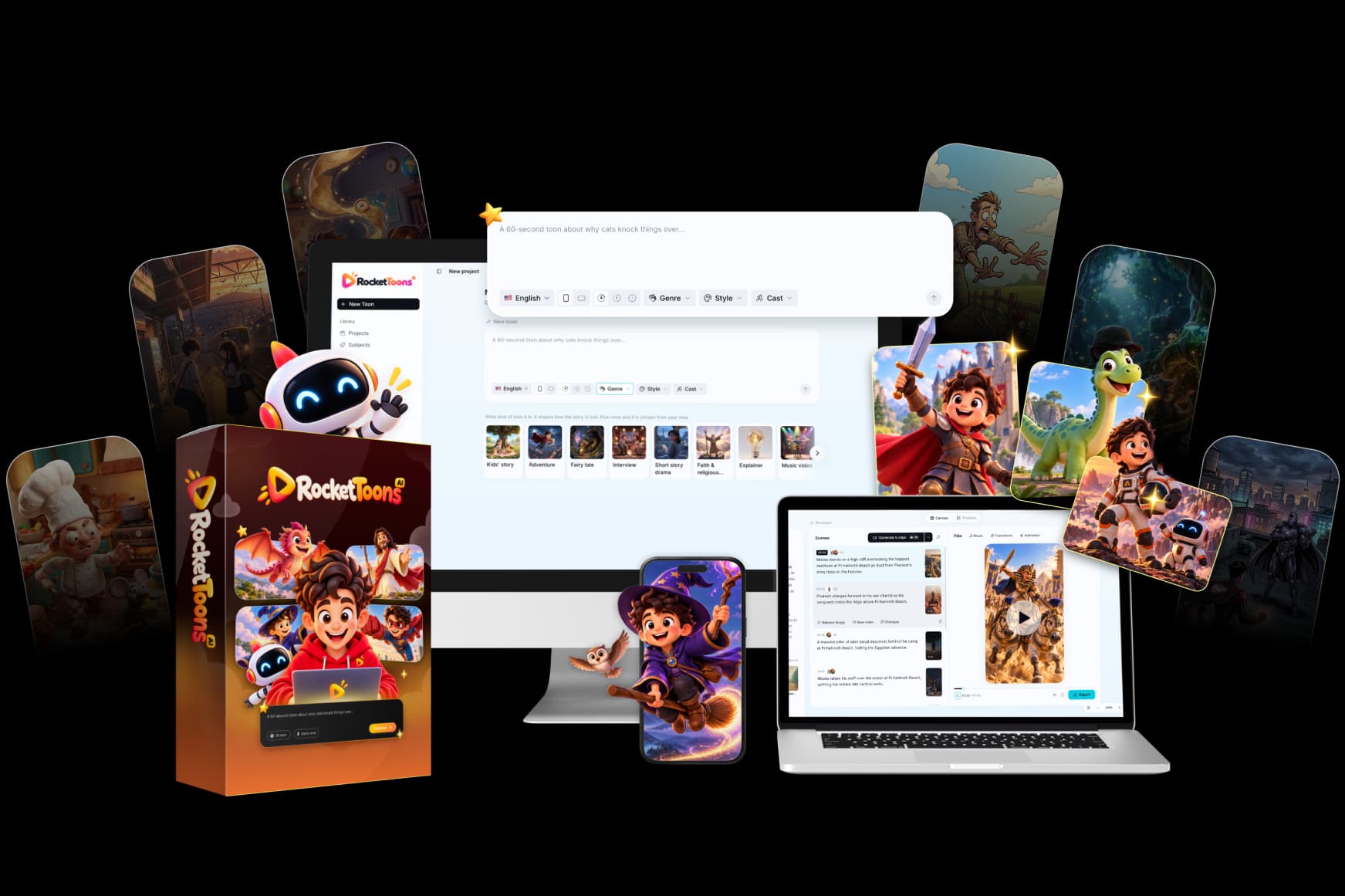
RocketToons Studio Boards is described as an optional clip-focused workspace. Its role differs from building a complete cartoon story: it addresses individual shots, animated images and short sequences that may later join a larger edit.
The current official overview advertises it separately from Commercial. This guide explains the documented use cases and a recommended approval process; it is not a private dashboard tour or evidence that every listed model has been independently tested. Start with our RocketToons review for the overall product decision.
We may earn a commission if you purchase through links on this page, at no extra cost to you.
Understand the standalone-clip use case
A complete story workflow is useful when a film needs a script, cast and ordered scenes. A clip workspace can be more appropriate when you already know the shot you need: a product moving into frame, a short character reaction or a visual cutaway that supports an existing film.
The official overview describes text-to-video, image animation and reusable character references. It also lists clip extension and sequence-related functions. Verify the actual current controls and package entitlement before promising a specific effect or model to a client. A capability advertised for Studio should not be silently attributed to the entry purchase.
Write a shot brief before choosing a model
Describe the subject, action, setting, framing and intended use. A useful original brief might ask for a simple owned product to rotate gently on a neutral background. That is a proposed exercise, not an example of a result we generated.
Keep the action within the shot's practical scope. If the clip needs several unrelated events, it may belong in a storyboard rather than a single generation request. Choose the required aspect ratio and duration based on the current available settings, and inspect any displayed cost before running the job.

Use source images with a clear purpose
An uploaded image can establish a product, character or visual starting point, but it should be suitable for the intended motion. Check the subject's visibility, important details and rights. A low-quality or ambiguous reference can make it harder to judge whether the resulting clip preserves the object accurately.
For a recognizable cast, use the same approved references that support the main film. The character-consistency guide explains identity checks across shots. Do not assume that a saved character removes the need to inspect faces, clothing, props or proportions after generation.
Review continuity when combining clips
Several attractive clips do not automatically form a coherent sequence. Compare movement direction, subject position and lighting at the cut. If one shot ends with the character facing left and the next implies the opposite position, decide whether the transition needs a new shot or a revised edit.
The overview describes extending and chaining clips, but an advertised function is not proof of seamless results for every input. Review the actual joins in the exported sequence. A shorter, clearer edit can be stronger than extending a weak shot simply to reach a planned duration.
Manage takes and costs deliberately
The Studio description includes saved takes and model selection. Use a simple naming or note system to identify the best version and what remains wrong. Selecting a retained take should not be confused with requesting another generation. Confirm the interface behavior and any credit quote before acting.
Decide whether the clip will be downloaded individually or moved into the main editing workflow. Save a reviewed copy when the result matters. The credits guide explains budget approval, and the editing guide covers final-file checks and storage planning.
Decide whether Studio belongs in your purchase
Studio Boards has a clear potential role for people who repeatedly need individual shots outside a full scripted film. It may be less important if your first goal is one straightforward cartoon made through the standard production sequence. The package is advertised at $37 as an optional purchase, not a checkout-confirmed entitlement in this guide.
Read the pricing comparison and match the current order to your actual needs. We do not publish a purchase-dependent direct upgrade destination. Use the primary official route, establish the package requirements and add the tool only when the standalone-clip workflow solves a real production problem.
Frequently asked questions
Is Studio Boards included in the entry package?
It is separately described as an optional package. Do not assume inclusion without checking the current selected offer.
What is its main difference from the story workflow?
It focuses on standalone clips and shot-level tasks rather than requiring every project to begin as a complete narrative.
Have we independently tested every Studio model?
No. Our general positive experience with RocketToons does not establish testing of every optional model, package or workflow.
Can I buy it through a separate upgrade button here?
No purchase-dependent upgrade destination is published here. The official material states that the entry purchase is required before upgrades.
Product information and review scope
Product information checked October 24, 2026 against the official product specifications and supplied product material. Official descriptions inform the feature breakdown; they are not independent evidence of results. Where the sources disagree on package allowances, this guide preserves the uncertainty rather than choosing the most generous figure.
We tried RocketToons and liked using it. That qualitative experience is separate from package documentation and does not establish testing of every optional module, a paid-checkout verification, a measured outcome or a particular refund period. Use the official purchase route for current availability and the selected order's terms.